

OS Gummies Skin Pack v1.0.0
Overview
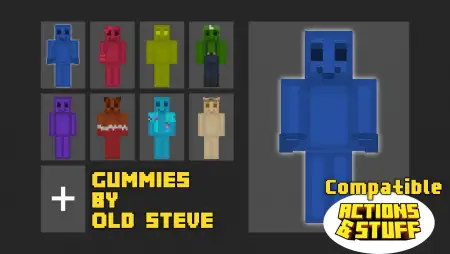
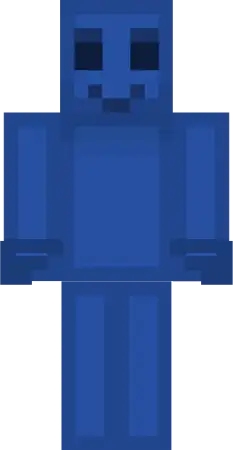
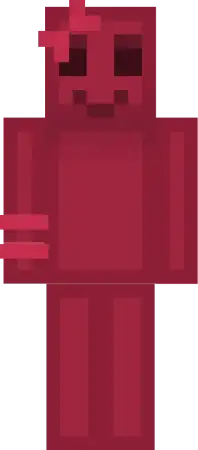
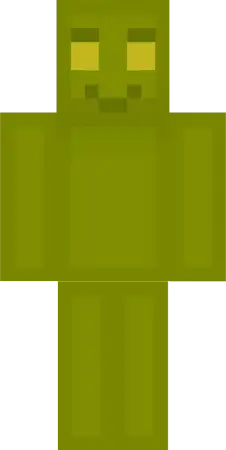
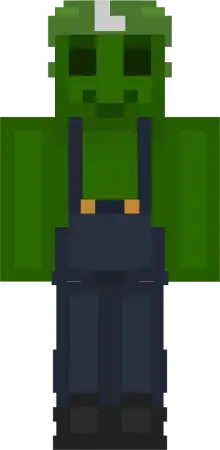
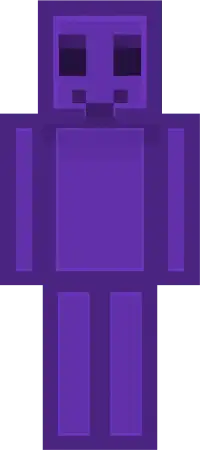
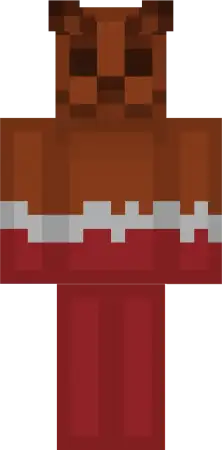
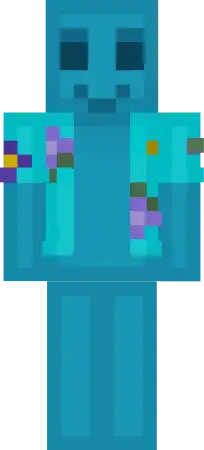
OS Gummies Skin Pack mine-craft 1-10-2025, 11:02 542 Skins OS Gummies â a sugar-rush of personalities for Minecraft Bedrock that swaps your usual fit for a cast of candy creatures. Youâre not just recolored here; each gummy has a vibe. Pop on Gummyblu, the shy blueberry, and youâve got that quiet âIâm building at duskâ energy. Switch to the soda gummy and suddenly youâre the hype friend sprinting between projects, sparkling like a bottle just cracked open. Nubbi, the curious gummy ghost, is perfect for spooky mansion runs and Deep Dark tiptoes where you want to look cute and a little supernatural at the same time.In survival, OS Gummies makes simple sessions feel themed without changing a single rule. Farm days? Chocolate fits the cozy loop of pathing, fencing, and trading. Cave nights? Grab something brighter so your squad can call your lane at a glance. On servers, the color-coding is clutch for team playâassign a candy to each role and everyone knows whoâs on defense, whoâs scouting, and whoâs running supplies. It also photographs ridiculously well. Candy silhouettes read clean in screenshots, so progress posts, realm trailers, and thumbnails look like you planned a full set, even if you just threw on your favorite gummy five minutes ago.For roleplay, OS Gummies is easy mode. Open a candy stall in the village, host a âsweet vs. spookyâ minigame with Nubbi as the referee, or theme a build jam where each playerâs gummy sets the palette for their plot. Itâs all cosmeticâMinecraft Bedrock gameplay stays stockâso achievements, movement, and combat timing are untouched. Equip a gummy in the skin menu, drop into your world, and let the color do the talking. If your sessions need a little flavor without the hassle, OS Gummies brings bright personalities, clean reads, and just the right kind of sugar to your adventures.How to Install Skins in Minecraft Bedrock- Download a .png skin (64Ã64 or 128Ã128).- Open Minecraft Bedrock.- Go to Profile (hanger icon) â Edit Character.- Tap Owned â Import â Choose New Skin.- Select your .png file.- Pick a model: Classic (Steve) or Slim (Alex).- Confirm to equip and play.gummies_skin_pack.mcpack [11.63 Kb] (downloads: 14)
💬 Comments (0)
Login to leave a comment.
No comments yet. Be the first!