

RGBland Skin Pack v1.0.0
Overview
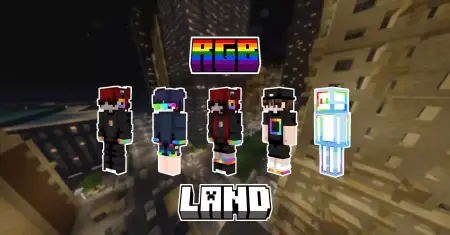
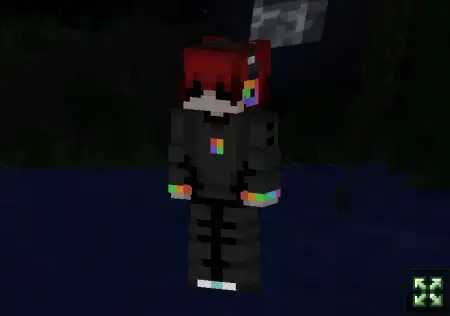
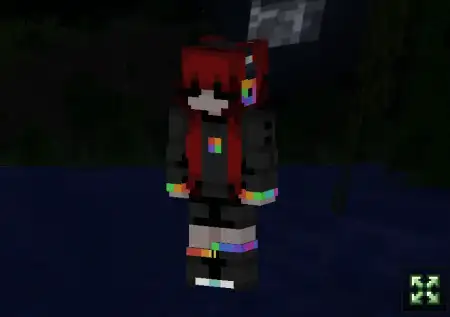
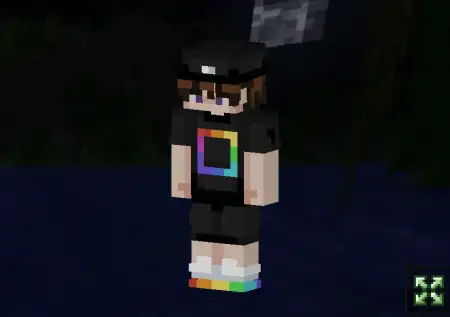
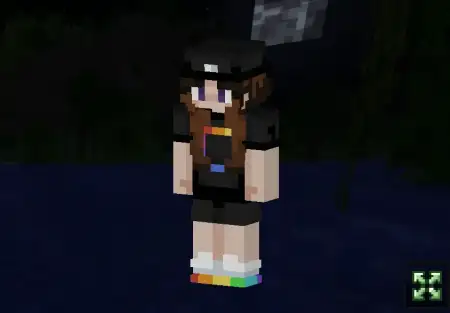
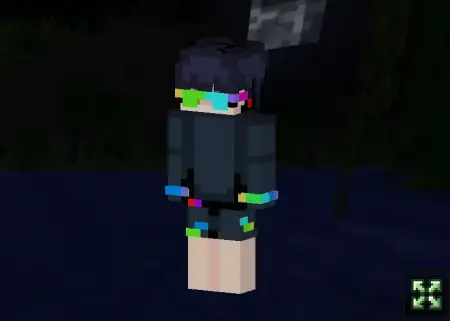
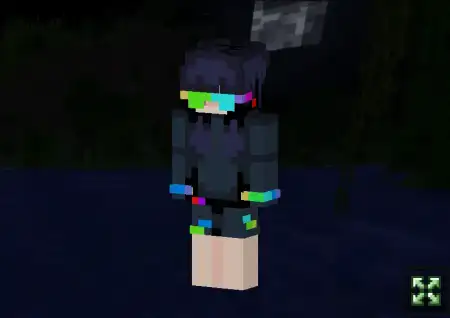
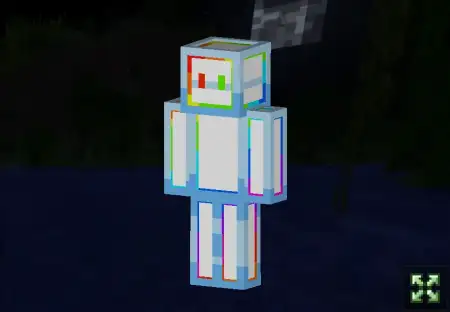
RGBland Skin Pack mine-craft 9-02-2026, 15:37 760 Skins RGBland Skin Pack is a high-energy set of 7 skins designed around that mini-game rush where everything feels quick, loud, and competitive. The whole theme is âdynamic server energy,â like youâre loading into a round and your character already looks ready to win. Itâs bright, punchy, and clearly aimed at players who live for fast matches and constant movement in Minecraft Bedrock.What makes RGBland Skin Pack work is that itâs not just random neon slapped onto a model. The description frames these as well-thought-out game avatars with a winnerâs character, which is exactly the vibe you want when youâre bouncing between lobbies and arenas all night. They feel like the kind of skins youâd see the second a âHide and Seekâ round starts loadingâeveryoneâs sprinting, juking corners, trying not to get taggedâand your character fits that moment instead of looking like a casual survival outfit that wandered into a tournament.The pack also leans into the âDeathrunâ style energy, where youâre basically living on movement timing and quick decisions. In that kind of fast-paced gameplay, a bold, clean skin is actually a practical pick because it stays readable while youâre flying through traps, jumping gaps, or turning your camera nonstop. Tip: if youâre playing mini-games a lot, pick one skin from RGBland Skin Pack and stick with it for a while so your own movement feels more consistentâyour brain starts recognizing your silhouette instantly, which weirdly helps when matches get sweaty.RGBland Skin Pack is also built for the downtime between rounds. The description calls out chill time in the lobby and hardcore action in the arena, and thatâs the exact loop most Minecraft Bedrock servers run on: a few minutes of flexing, emoting, chatting, then straight back into chaos. Tip: use these skins as your âserver mainâ looks, and save your calmer skins for pure survival worlds, so every time you swap to RGBland Skin Pack it feels like youâre clocking in for mini-games.How to Install Skins in Minecraft Bedrock- Download a .png skin (64Ã64 or 128Ã128).- Open Minecraft Bedrock.- Go to Profile (hanger icon) â Edit Character.- Tap Owned â Import â Choose New Skin.- Select your .png file.- Pick a model: Classic (Steve) or Slim (Alex).- Confirm to equip and play.rgbland.mcpack [17.49 Kb] (downloads: 36)
💬 Comments (0)
Login to leave a comment.
No comments yet. Be the first!