

CASUAL BUDDY Skin Pack v1.0.0
Overview
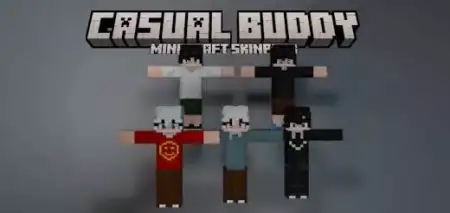
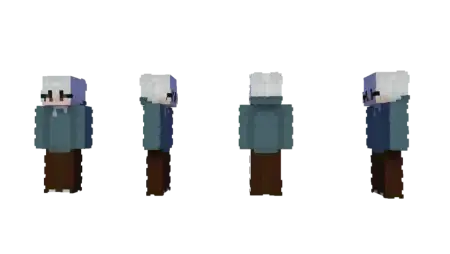
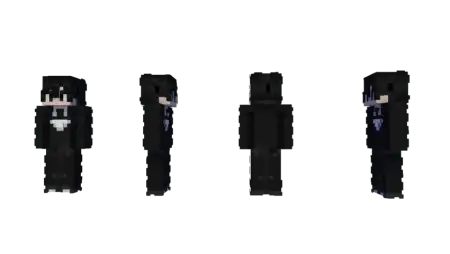
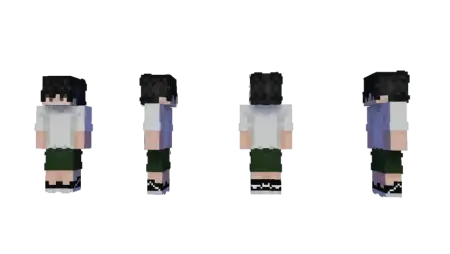
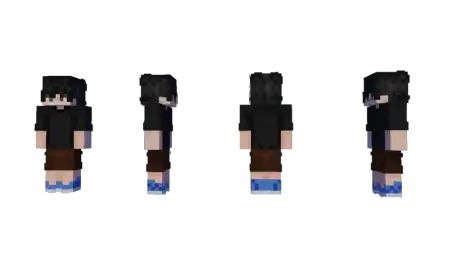
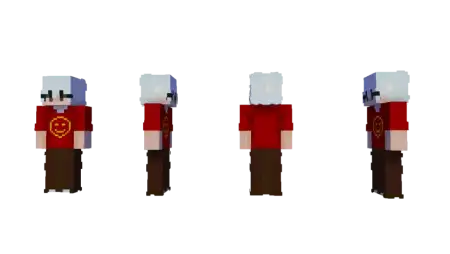
CASUAL BUDDY Skin Pack mine-craft 10-01-2026, 08:56 538 Skins CASUAL BUDDY Skin Pack is for the kind of player who isnât trying to sweat every second. You know the vibe: no frantic rushing, no acting like every session is a tournament, just hopping in and enjoying the moment. This pack leans into that calm energy and makes your character feel like the friend whoâs always down to help, laugh, and keep things relaxed even when the world gets chaotic.In a Minecraft Bedrock survival world, CASUAL BUDDY Skin Pack fits best when youâre playing at your own pace. Youâre not speedrunning gear or forcing progressâyouâre building a base you actually like living in, setting up farms when you feel like it, and taking random side trips just because the view looks cool. Itâs a great âdefaultâ style for long-term worlds where you log in often and want a skin that matches a steady, low-stress grind. Mining sessions feel less like work and more like a hangout. Caving at night feels like a casual adventure instead of a panic sprint. Even if you get jumped by mobs, the vibe is still âweâll handle it,â not ârage quit.âThis kind of skin theme also shines in multiplayer. CASUAL BUDDY Skin Pack is perfect when your world is more about the group than the goalâco-op building nights, shared storage rooms, trading resources, and just vibing in chat while everyone does their own thing. Itâs the skin you wear when youâre the person who brings extra food, drops spare tools for someone who forgot theirs, or just wanders around checking out what everyone built. If youâre on a server, it helps you look approachable, like youâre here to hang and make the world better, not start drama.One small tip: lean into the calm pacing this pack is built for. Set simple goals like âfinish a cozy roomâ or âlight up the pathsâ instead of forcing huge projects in one sitting. CASUAL BUDDY Skin Pack is basically a moodâeasy vibes, good company, and enjoying the game the way you want to play it.How to Install Skins in Minecraft Bedrock- Download a .png skin (64Ã64 or 128Ã128).- Open Minecraft Bedrock.- Go to Profile (hanger icon) â Edit Character.- Tap Owned â Import â Choose New Skin.- Select your .png file.- Pick a model: Classic (Steve) or Slim (Alex).- Confirm to equip and play.casual-buddy-v1_0.mcpack [13.04 Kb] (downloads: 10)
💬 Comments (0)
Login to leave a comment.
No comments yet. Be the first!