

Avatar - Skin Pack v1.0.0
Overview
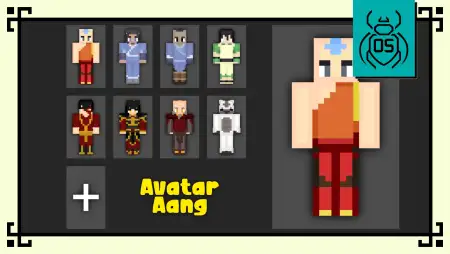
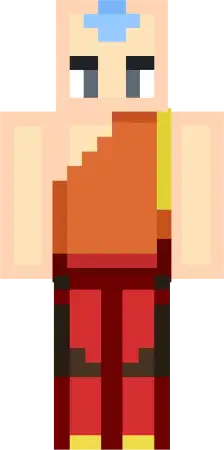
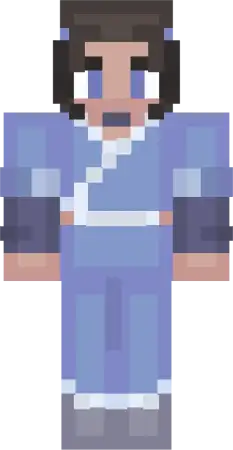
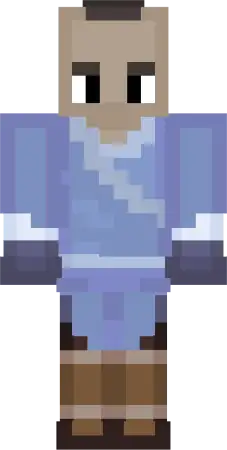
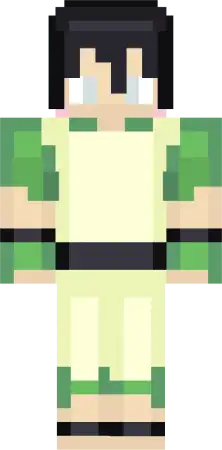
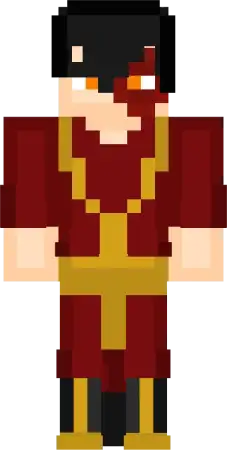
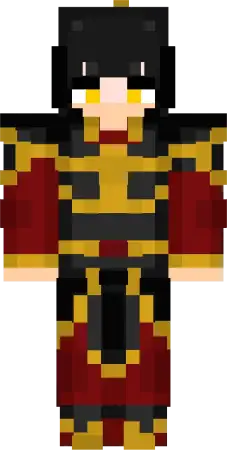
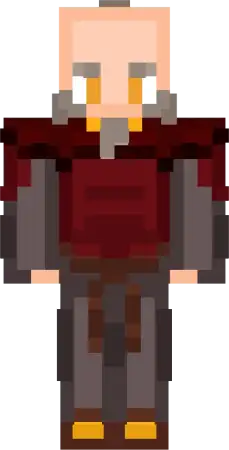
Avatar - Skin Pack mine-craft 22-01-2026, 14:00 772 Skins Avatar Skin Pack is all about giving your world that elemental, adventurous vibe without needing a whole complicated setup. The concept is simple: itâs an Avatar Edition skin collection inspired by Avatar: The Last Airbender, but redesigned in a collectible Funko-style look, so the characters feel cute and stylized instead of super serious. If you like skins that pop in screenshots and still look clean while youâre running around doing survival stuff, this style fits perfectly.The pack is described as including 8 iconic characters, and itâs meant for survival, multiplayer, roleplay, and elemental-themed worlds. Thatâs honestly where it shines. In survival, itâs fun because you can pick a skin that matches what youâre doing that dayâmining runs, base building, exploring oceans, messing around in villagesâwhile keeping that cartoon collectible vibe. In multiplayer, itâs even better because a Funko-style pack makes everyone instantly recognizable, and itâs perfect for friend groups who want matching skins without everybody looking identical.Roleplay worlds are the easiest win for Avatar Skin Pack. Since the theme is âelemental,â you can build your own little bending-style setup in Minecraft Bedrock: one player claims a mountain base, another builds by the ocean, someone takes a forest hideout, and suddenly your server has a theme without needing any extra mechanics. Even if youâre not doing full roleplay, just having a squad that looks like they belong to the same universe makes regular survival nights feel like a mini story.Practical tip: if youâre playing with friends, assign each person a âroleâ based on how they naturally play. The builder can rock one skin, the explorer takes another, the fighter takes anotherâsame pack, different vibes. Since the text doesnât list the exact 8 characters, Iâm not going to name them, but the main idea is clear: Avatar Skin Pack is a cute Funko-style collection thatâs built for themed worlds and co-op sessions where you want your skins to feel coordinated and recognizable in Minecraft Bedrock.How to Install Skins in Minecraft Bedrock- Download a .png skin (64Ã64 or 128Ã128).- Open Minecraft Bedrock.- Go to Profile (hanger icon) â Edit Character.- Tap Owned â Import â Choose New Skin.- Select your .png file.- Pick a model: Classic (Steve) or Slim (Alex).- Confirm to equip and play.avatar_skin_pack.mcpack [15.35 Kb] (downloads: 53)
💬 Comments (0)
Login to leave a comment.
No comments yet. Be the first!