

Pitou HD Skin v1.0.0
Overview
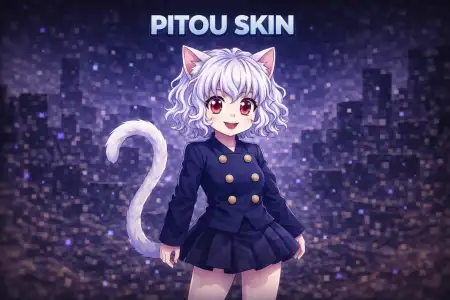
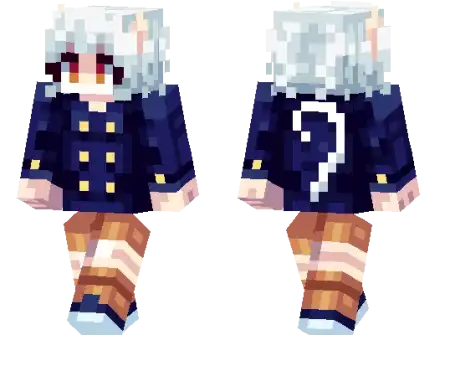
Pitou HD Skin mine-craft 23-01-2026, 00:00 555 Skins Pitou Skin is all about that instantly recognizable Neferpitou vibe, but cleaned up in an HD style so it looks crisp even when youâre moving fast or standing under weird lighting. Itâs a great pick if you like character-inspired skins that still feel natural in a Bedrock world, because it reads clearly from a distance and doesnât turn into a blurry mess in motion.In survival, Pitou Skin works as an everyday main because itâs not tied to one theme. You can be grinding caves, building a base, or just wandering at night, and the look still fits. On multiplayer servers, itâs even better, since it has that âoh I know that characterâ energy that gets reactions without you having to type a word.If youâre into roleplay or content clips, Neferpitou HD gives you a strong visual identity right away. Pitou Skin keeps things simple: one clean, detailed character look thatâs easy to recognize and fun to run as your signature.How to Install Skins in Minecraft Bedrock- Download a .png skin (64Ã64 or 128Ã128).- Open Minecraft Bedrock.- Go to Profile (hanger icon) â Edit Character.- Tap Owned â Import â Choose New Skin.- Select your .png file.- Pick a model: Classic (Steve) or Slim (Alex).- Confirm to equip and play.pitou_1_png.zip [3.33 Kb] (downloads: 17)
💬 Comments (0)
Login to leave a comment.
No comments yet. Be the first!