

EmoPack Skin Pack v1.0.0
Overview
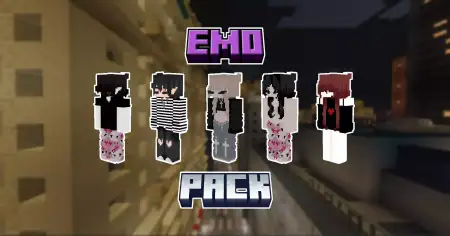
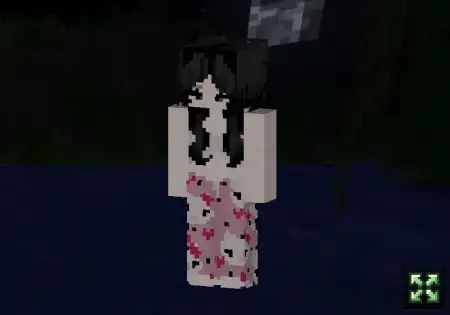
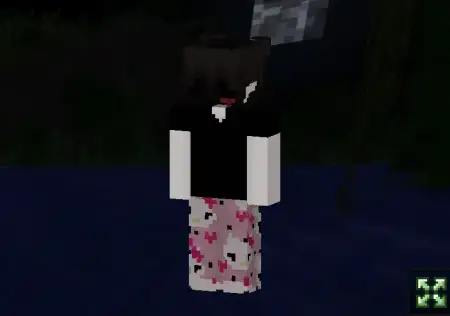
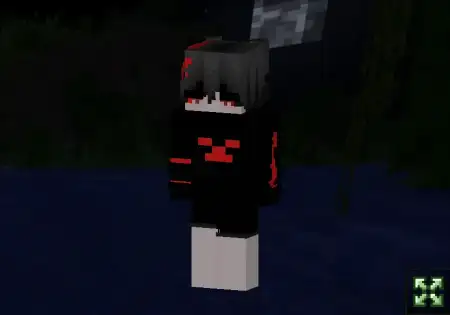
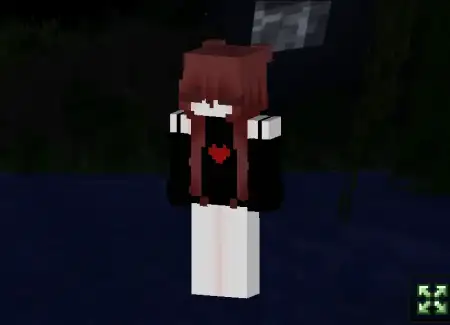
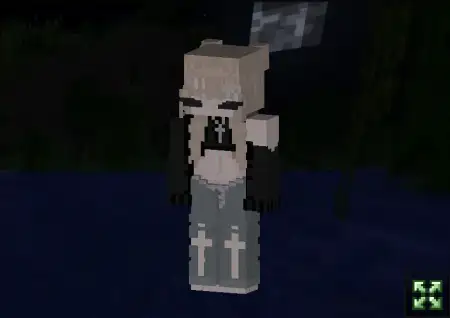
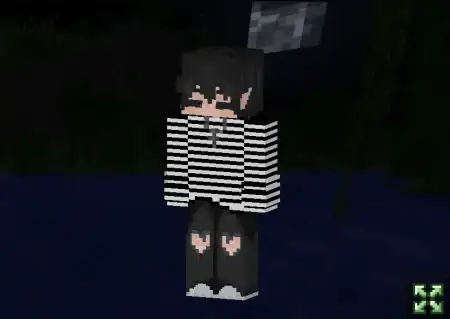
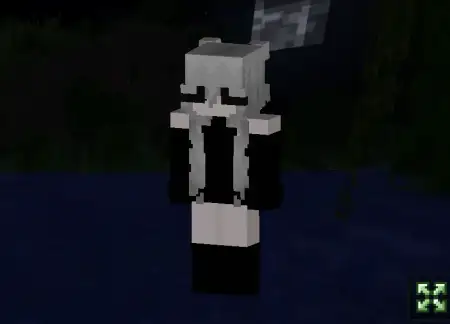
EmoPack Skin Pack mine-craft 23-02-2026, 21:27 698 Skins EmoPack Skin Pack is a themed set that leans fully into the âsad clubâ aesthetic, but with the kind of detail that makes the skins feel premium instead of basic. The description frames them as portraits of seven souls, frozen in an eternal search for meaning, which is basically telling you the vibe up front: dramatic, emotional, and a little haunted. Itâs not trying to be cute or comedic. Itâs made for players who want their character to look like they belong in a rainy city build, a dimly lit lobby, or a late-night survival world where everything feels heavier.The standout promise is the high level of detailâsmall nuances you can actually see. That matters on Minecraft Bedrock because some skins look fine at a distance but fall apart when youâre in third-person or when friends are standing right next to you. A detailed emo-themed pack works best when the shading and outfit choices stay readable, and when the character silhouette is strong enough that you still look good while sprinting around in PvP or parkour.Since itâs a set of seven, itâs also easy to use in groups without everyone matching exactly. Friends can each pick a different âbroken heartâ look and still feel like part of the same club. Emo skins are also great for roleplay worldsâschool maps, city maps, horror story mapsâbecause the vibe sells itself instantly without needing extra lore.Practical tip: pair EmoPack Skin Pack with worlds that match the mood. Dark builds, rainy-themed textures, neon city hubs, underground bases, or horror maps make these skins feel like they belong. If youâre doing PvP, pick the skin with the cleanest silhouette so you stay readable in motion. EmoPack Skin Pack is basically for players who want a stylish, emotional, high-detail look that feels like a character, not just an outfit.How to Install Skins in Minecraft Bedrock- Download a .png skin (64Ã64 or 128Ã128).- Open Minecraft Bedrock.- Go to Profile (hanger icon) â Edit Character.- Tap Owned â Import â Choose New Skin.- Select your .png file.- Pick a model: Classic (Steve) or Slim (Alex).- Confirm to equip and play.emopack.mcpack [34.86 Kb] (downloads: 153)
💬 Comments (0)
Login to leave a comment.
No comments yet. Be the first!