

EmoLand 2 Skin Pack v1.0.0
Overview
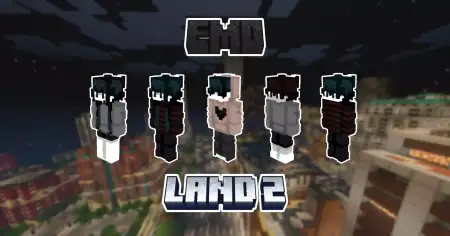
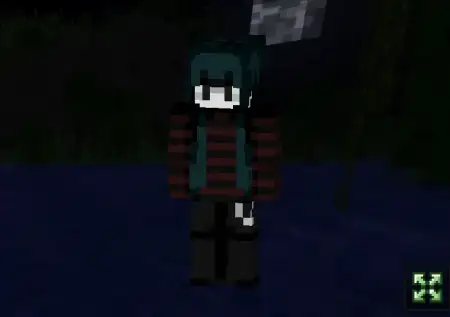
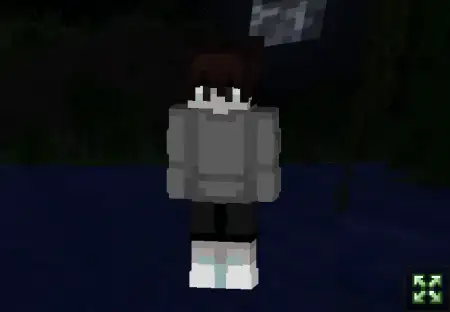
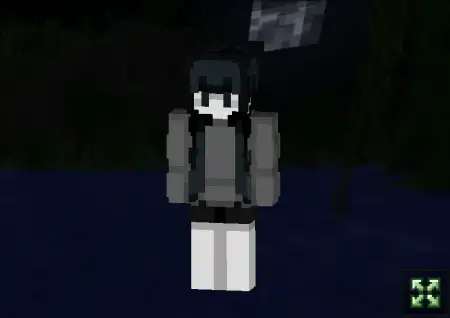
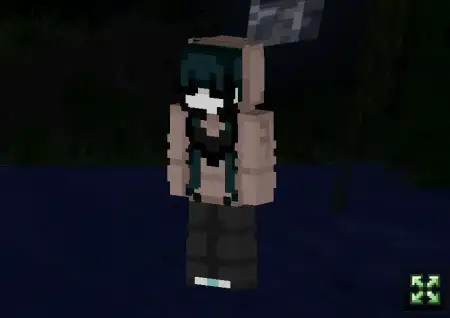
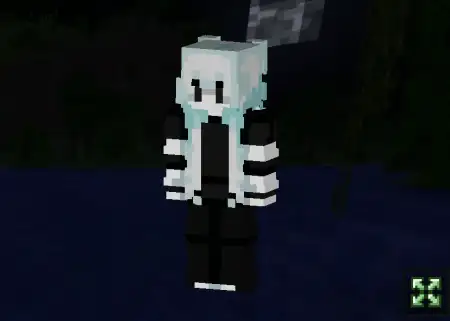
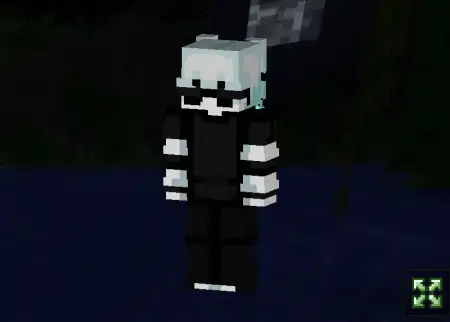
EmoLand 2 Skin Pack mine-craft 10-01-2026, 09:04 734 Skins EmoLand 2 Skin Packs is for players who like their skins to feel like characters instead of just outfits. The pack brings 8 brand new characters, and the whole concept is built around that moody, emotional energyâthink late-night builds, rainy skies, and the kind of soundtrack that makes even a simple cave run feel dramatic. The description calls out post-hardcore and indie ballads, and that pretty much nails the vibe: edgy but not goofy, expressive but still clean enough to wear in any world. Itâs also described as âThe Hive style,â which reads like itâs meant for that modern, server-friendly look that stands out without being messy.In Minecraft Bedrock, EmoLand 2 Skin Packs works best when you actually lean into the character idea. If youâre doing roleplay, these skins are basically instant personalitiesâlike you can pick one and already know how you want to play: lone explorer, quiet builder, mysterious wanderer, or the friend who shows up to help but never says much. On an anonymous server, itâs a fun way to feel distinct without needing a flashy costume. You look intentional, like you chose a vibe and committed to it.For solo survival, this pack is perfect for âdark adventureâ sessions where youâre exploring deeper caves, clearing structures, or building a base that feels like a hideout instead of a farmhouse. The skins being framed as story-ready characters makes it easy to create your own little narrative as you play, even if youâre not doing full roleplay. You log in, pick a character, and suddenly your world feels like it has a tone. Thatâs the best part of EmoLand 2 Skin Packs: it changes the mood without changing any gameplay.A practical way to use it is to assign each character a âsave.â Use one skin for your main survival world, another for your server world, another for minigamesâso each one feels like a different person with their own history. EmoLand 2 Skin Packs is a strong Minecraft Bedrock pick if you want skins that feel like identities: 8 new characters, emo/post-hardcore energy, and a style that fits roleplay, servers, and darker solo adventures.How to Install Skins in Minecraft Bedrock- Download a .png skin (64Ã64 or 128Ã128).- Open Minecraft Bedrock.- Go to Profile (hanger icon) â Edit Character.- Tap Owned â Import â Choose New Skin.- Select your .png file.- Pick a model: Classic (Steve) or Slim (Alex).- Confirm to equip and play.emoland2.mcpack [18.19 Kb] (downloads: 39)
💬 Comments (0)
Login to leave a comment.
No comments yet. Be the first!