

CartoonLand Skin Pack v1.0.0
Overview
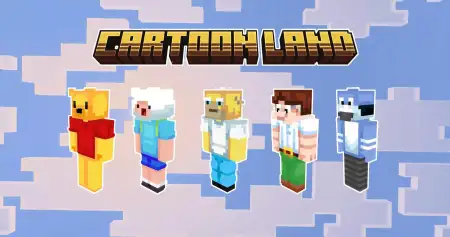
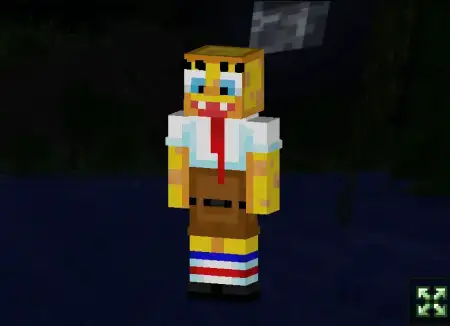
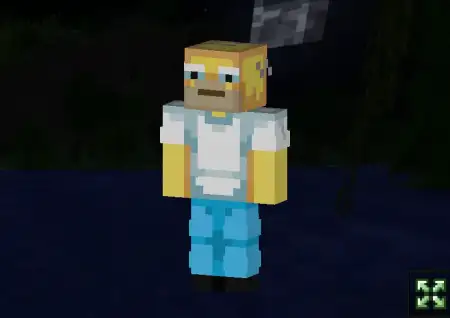
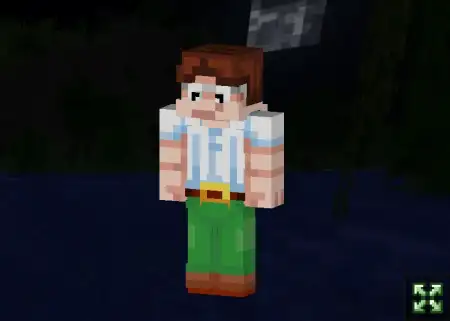
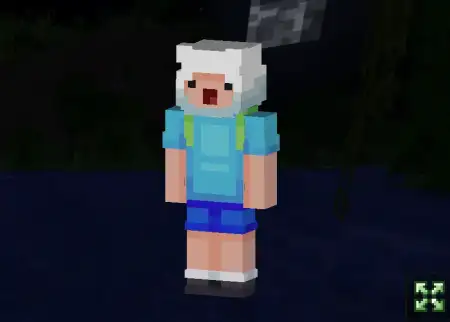
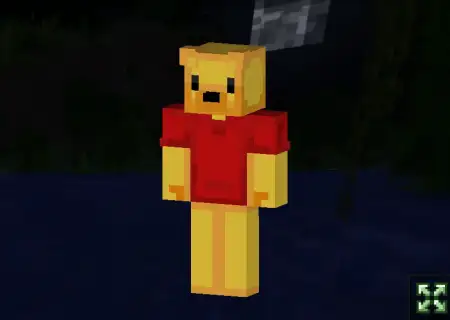
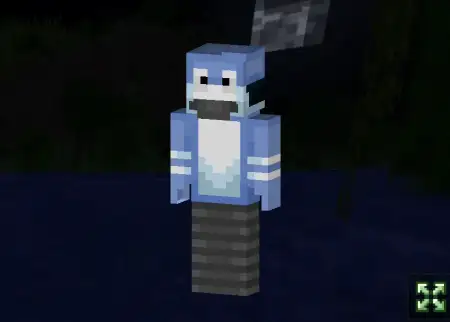
CartoonLand Skin Pack mine-craft 22-02-2026, 12:48 524 Skins CartoonLand Skin Pack is all about turning your Minecraft Bedrock sessions into a bright, chaotic âcartoon lobbyâ vibe. The theme is classic cartoons stepping off the screen and landing in your world, which fits perfectly if youâre playing on servers, running mini-games with friends, or building a hub area thatâs meant to feel energetic instead of serious. Itâs not trying to be realistic at allâthese characters are styled like they were drawn with a thick marker on paper, which makes them stand out immediately in a lobby full of normal-looking skins.The pack includes 6 characters, and the fun comes from how instantly recognizable that art style is. When everyoneâs in a cartoon skin, the whole mood shifts from âsurvival grindâ to âweâre here to mess around.â Itâs especially good for mini-games like Hide and Seek and Deathrun, because bold outlines and high-contrast cartoon looks make players easy to spot and memorable. Youâll know exactly who just juked you around a corner, who got trapped, and whoâs acting like the main character in the lobby.CartoonLand Skin Pack also matches well with neon-style hubs and bright arenas. If youâve got a server lobby or a personal mini-game world, these skins help sell the âparty zoneâ feeling where people hang out, flex skins, and start games back-to-back. Even if youâre just playing with friends in a private world, itâs perfect for making your own little game night feel more like a real server eventâeveryone shows up looking like they belong in the same universe.Practical tip: if youâre running mini-games, assign roles by skin. Pick one cartoon character as the âseeker,â another as the ârunner,â or set up teams where each skin becomes a team identity. It makes matches easier to follow and way funnier when the same character keeps winning. CartoonLand Skin Pack is basically for players who want loud, positive, mini-game energyâsix bold cartoon skins that look like they jumped out of a drawing and showed up to dominate the lobby.How to Install Skins in Minecraft Bedrock- Download a .png skin (64Ã64 or 128Ã128).- Open Minecraft Bedrock.- Go to Profile (hanger icon) â Edit Character.- Tap Owned â Import â Choose New Skin.- Select your .png file.- Pick a model: Classic (Steve) or Slim (Alex).- Confirm to equip and play.cartoonland.mcpack [14.54 Kb] (downloads: 80)
💬 Comments (0)
Login to leave a comment.
No comments yet. Be the first!