

Zombie Skin v1.0.0
Overview
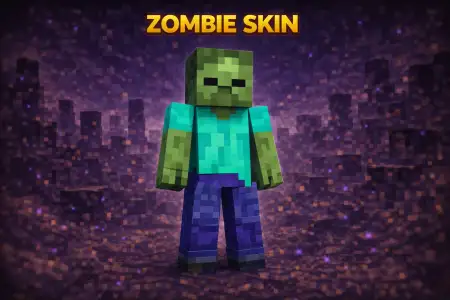
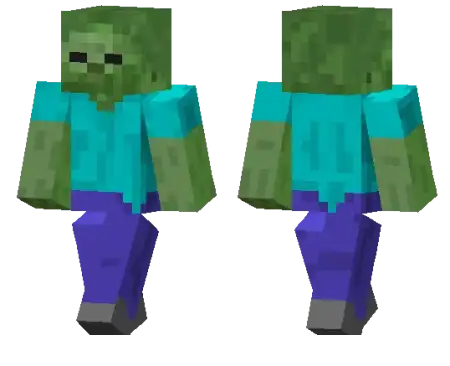
Zombie Skin mine-craft 22-01-2026, 23:47 739 Skins Zombie Skin is as classic as it gets. Itâs the straight-up vanilla zombie vibeâgreen skin, undead look, instantly recognizable from across a lobby. If you like skins that donât need extra gimmicks to be cool, this one hits because everyone knows what it is the second they see it.On multiplayer servers, Zombie Skin is great for simple trolling and roleplay moments. You can blend into dark areas, jump out of a cave while your friends are mining, or just stand near a village at night and make people do a quick âwait⦠is that a mob?â double-take. Itâs also a fun pick for minigames or survival sessions where you want that spooky vibe without going full costume pack.In survival, Zombie Skin fits literally anywhere. It doesnât clash with builds, it looks fine in any biome, and it still reads clearly even when youâre wearing armor. If you want an easy, iconic skin that feels like pure Minecraft energy, Zombie Skin is a solid go-to.How to Install Skins in Minecraft Bedrock- Download a .png skin (64Ã64 or 128Ã128).- Open Minecraft Bedrock.- Go to Profile (hanger icon) â Edit Character.- Tap Owned â Import â Choose New Skin.- Select your .png file.- Pick a model: Classic (Steve) or Slim (Alex).- Confirm to equip and play.zombie-skin_1_png.zip [1.85 Kb] (downloads: 42)
💬 Comments (0)
Login to leave a comment.
No comments yet. Be the first!