

UnCrafting Table Mod / Addon v1.0.0
Overview
/ Addons / Mods 1.21
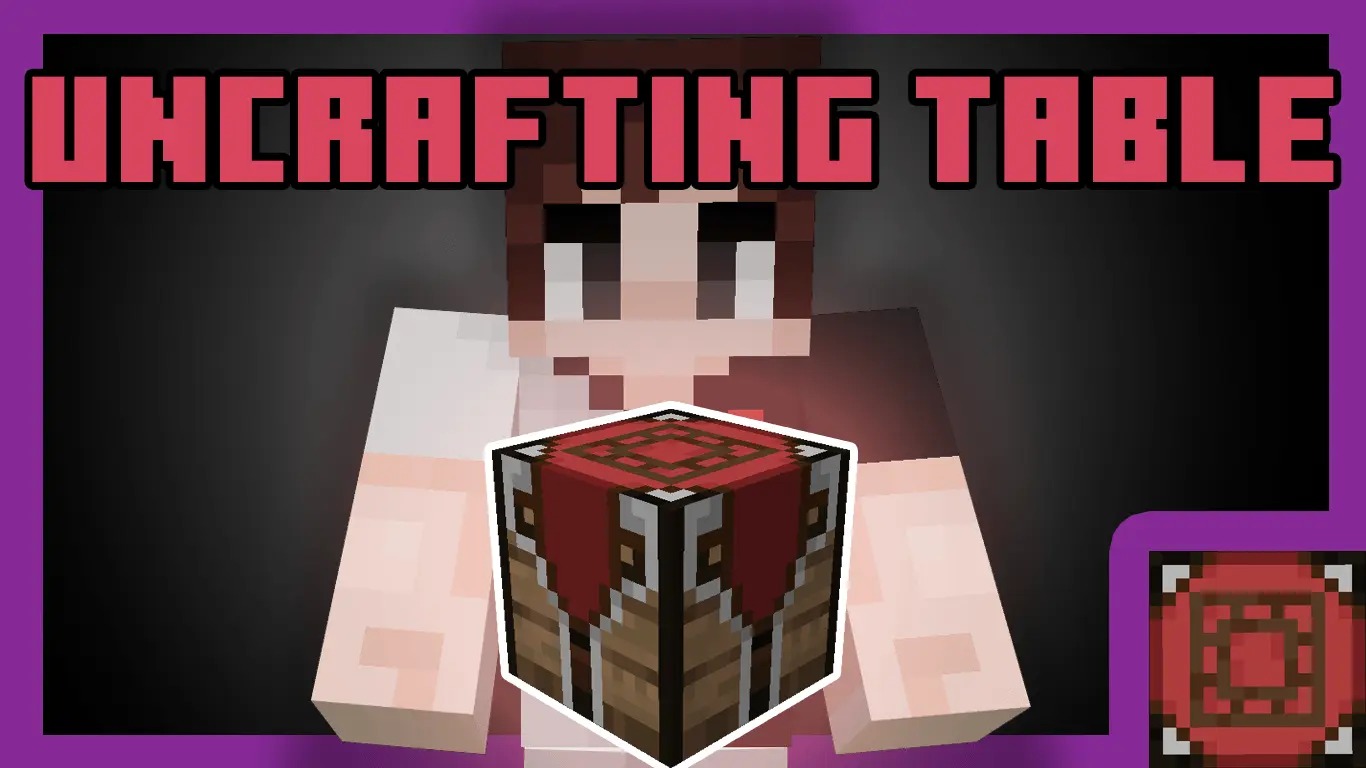
UnCrafting Table Mod – Break It Down, Craft It Back
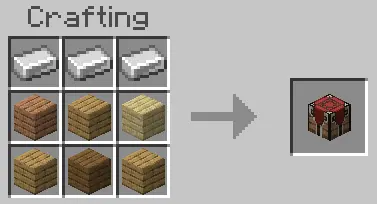
Ever crafted the wrong thing by accident? Made 64 trapdoors instead of 6? The UnCrafting Table Mod is here to save your sanity. This addon adds a special table that lets you reverse craft most items—yep, take your stuff apart and get your ingredients back.
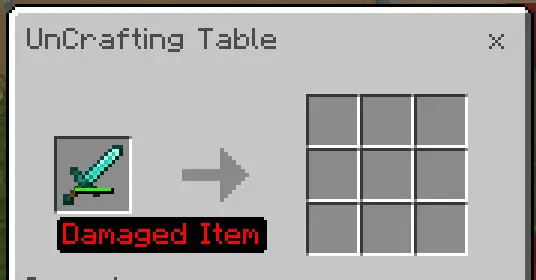
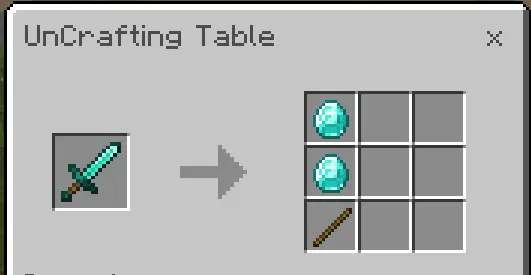
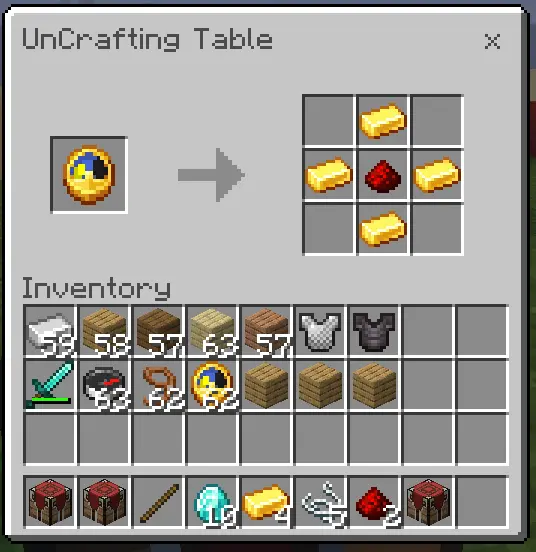
Pop your item into the UnCrafting Table, and bam—you get the original materials. Smelted iron tools? You’ll get ingots back. Crafted blocks? Get your planks or stone again. It’s like a rewind button for crafting mistakes (or just squeezing every last resource out of loot and junk).
It’s survival-friendly, but not OP. Some items give full returns, others partial—it’s all about balance. And no, you can’t uncraft diamonds from random stuff, it’s not that broken.
Perfect for late-game players with tons of gear, or early grinders trying to optimize every drop. You’ll wonder why this isn’t a vanilla feature.
Installation Mod:
- Download the .mcaddon / .mcpack;
- Open the file to import into the game;
- In World Settings → Resource Packs and Behavior Packs, enable it (turn on Experiments if needed);
- Have fun!
UnCrafting Table Mod – Break It Down, Craft It Back
Ever crafted the wrong thing by accident? Made 64 trapdoors instead of 6? The UnCrafting Table Mod is here to save your sanity. This addon adds a special table that lets you reverse craft most items—yep, take your stuff apart and get your ingredients back.
Pop your item into the UnCrafting Table, and bam—you get the original materials. Smelted iron tools? You’ll get ingots back. Crafted blocks? Get your planks or stone again. It’s like a rewind button for crafting mistakes (or just squeezing every last resource out of loot and junk).
It’s survival-friendly, but not OP. Some items give full returns, others partial—it’s all about balance. And no, you can’t uncraft diamonds from random stuff, it’s not that broken.
Perfect for late-game players with tons of gear, or early grinders trying to optimize every drop. You’ll wonder why this isn’t a vanilla feature.
Installation Mod:
- Download the .mcaddon / .mcpack;
- Open the file to import into the game;
- In World Settings → Resource Packs and Behavior Packs, enable it (turn on Experiments if needed);
- Have fun!
💬 Comments (0)
Login to leave a comment.
No comments yet. Be the first!