

survival pale house 67 map v1.0.0
Overview
/ Survival Maps
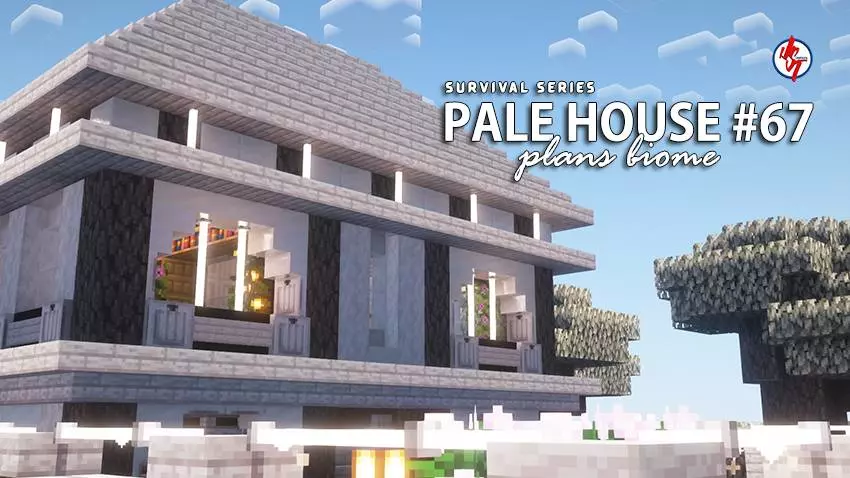
Survival Pale House #67 (Achievements On) — clean starter vibes in a Plains seed for Minecraft Bedrock
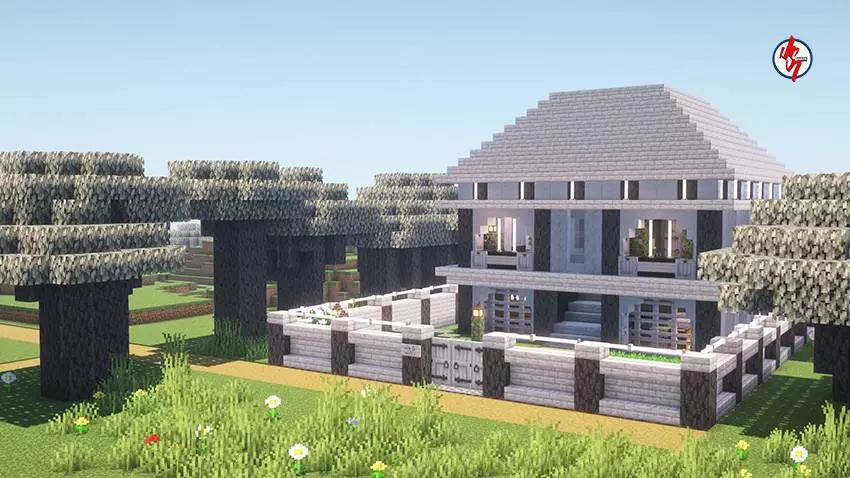
Dropped into a sunny plains and want a base that’s ready on day one? The Survival Pale House #67 map hits just right. You spawn inside the house, bed set, achievements on, and the whole place dressed in light woods + pale stone so it pops under shaders without blinding you. Step out the front door and there’s a village a short stroll away—perfect for early trades and a bit of life around your build.
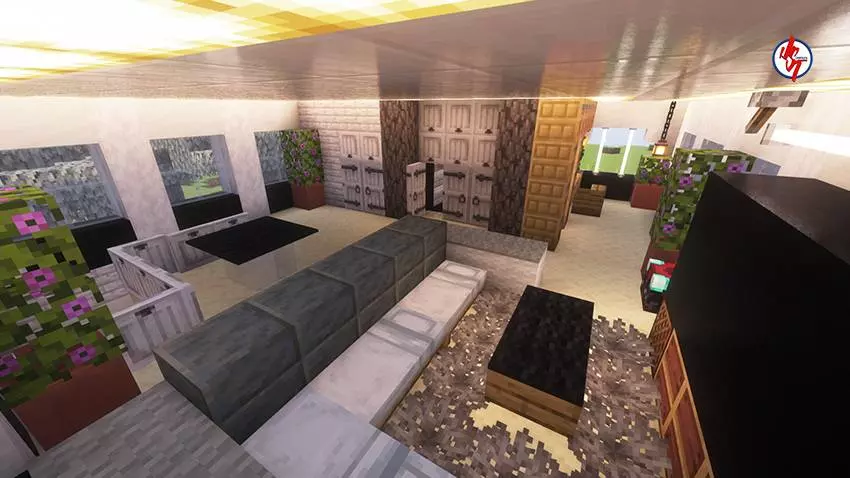
The layout’s practical. Main room has a tight craft core with labeled chests, plus smoker + blast furnace so dinner and ore don’t fight for queue. A side nook fits the stonecutter/grindstone combo; another corner’s already framed for an enchant setup (easy upgrade to level-30 once you place shelves). Upstairs bedroom keeps you phantom-safe, with windows aimed at the village so you can spot patrols before they spot you.
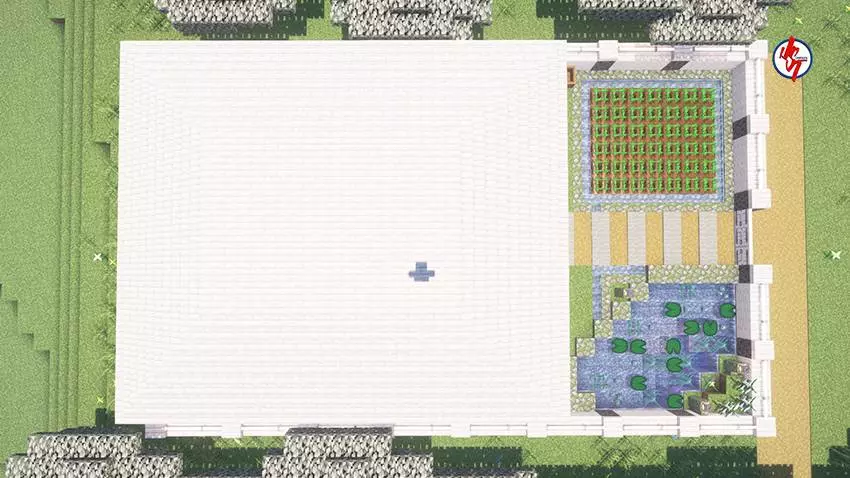
Outside is tidy and survival-minded. A fenced crop strip sits on hydrated soil, lanterns are placed to block spawns without torch spam, and there’s a neat pad out back for a muffled Nether portal so you don’t hear the whoosh all night. The village synergy is great: drop a couple workstations, lock in a farmer + librarian, and you’ve got food/books rolling by day three. The map ships with useful starter items tucked in, so you can sprint straight into exploring or expand with a storage cellar, small animal pens, or a path to a future iron farm.
If you want a Minecraft Bedrock starter that looks clean, plays smoother, and scales into midgame without rebuilding from scratch, Survival Pale House #67 (Plains, Achievements On) is exactly the kind of base you’ll actually keep.
How to install?
Android: you need to find the downloaded file on your phone, use any file manager for this and import the map into the game by opening it.
iOS: after receiving the map, the device itself will offer to install it.
Windows 10: go to the folder where the files are downloaded, find .mcworld there and activate it.
Survival Pale House #67 (Achievements On) — clean starter vibes in a Plains seed for Minecraft Bedrock
Dropped into a sunny plains and want a base that’s ready on day one? The Survival Pale House #67 map hits just right. You spawn inside the house, bed set, achievements on, and the whole place dressed in light woods + pale stone so it pops under shaders without blinding you. Step out the front door and there’s a village a short stroll away—perfect for early trades and a bit of life around your build.
The layout’s practical. Main room has a tight craft core with labeled chests, plus smoker + blast furnace so dinner and ore don’t fight for queue. A side nook fits the stonecutter/grindstone combo; another corner’s already framed for an enchant setup (easy upgrade to level-30 once you place shelves). Upstairs bedroom keeps you phantom-safe, with windows aimed at the village so you can spot patrols before they spot you.
Outside is tidy and survival-minded. A fenced crop strip sits on hydrated soil, lanterns are placed to block spawns without torch spam, and there’s a neat pad out back for a muffled Nether portal so you don’t hear the whoosh all night. The village synergy is great: drop a couple workstations, lock in a farmer + librarian, and you’ve got food/books rolling by day three. The map ships with useful starter items tucked in, so you can sprint straight into exploring or expand with a storage cellar, small animal pens, or a path to a future iron farm.
If you want a Minecraft Bedrock starter that looks clean, plays smoother, and scales into midgame without rebuilding from scratch, Survival Pale House #67 (Plains, Achievements On) is exactly the kind of base you’ll actually keep.
How to install?
Android: you need to find the downloaded file on your phone, use any file manager for this and import the map into the game by opening it.
iOS: after receiving the map, the device itself will offer to install it.
Windows 10: go to the folder where the files are downloaded, find .mcworld there and activate it.
💬 Comments (0)
Login to leave a comment.
No comments yet. Be the first!