

Star Wars Skin Pack v1.0.0
Overview
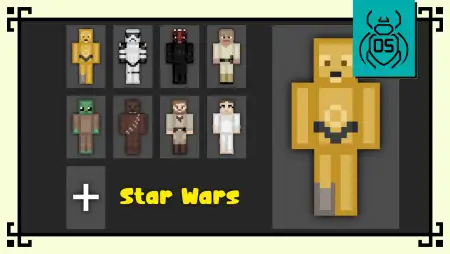
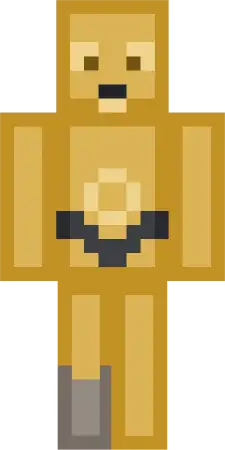
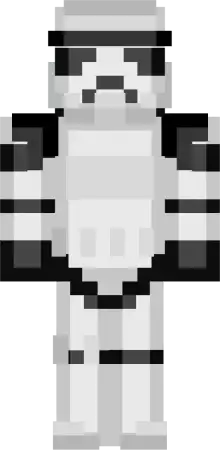
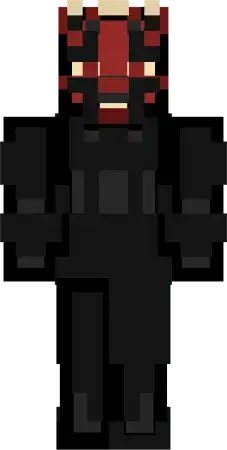
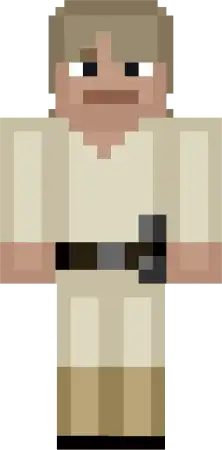
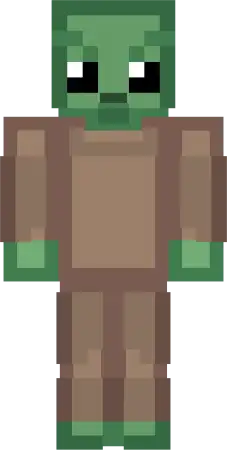
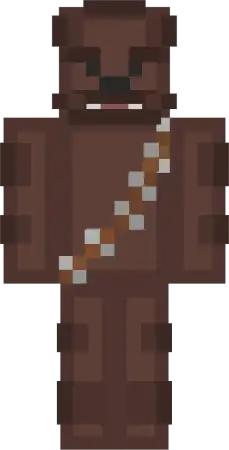
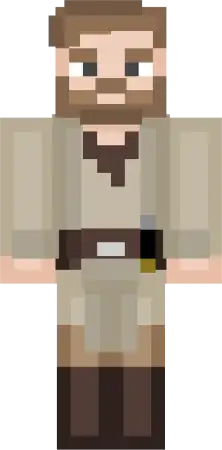
Star Wars Skin Pack mine-craft 11-01-2026, 09:15 654 Skins Star Wars Skin Pack â is all about turning your usual session into a full-on space-adventure vibe without changing how the game plays. The designs lean into that Funko-style lookâchunky, cute, and easy to readâso even when youâre sprinting, fighting, or building, the character identity still pops.Whatâs fun here is how the cast covers pretty much every âroleâ your friend group ends up having. If youâre the one whoâs always chatting, organizing loot, and somehow surviving every disaster, C-3PO fits that friendly, expressive energy perfectly. If you want the clean armored look that feels sharp in PvP lobbies or server hubs, the Stormtrooper skin is the easy pick. And if youâre feeling like being the threat in the room, Darth Maul brings that dark, aggressive presence that makes even a normal night run feel ten times more tense.On the hero side, Luke Skywalker, Obi-Wan Kenobi, and Princess Leia are perfect for players who like the classic âadventure partyâ vibeâexploring far from spawn, setting up outposts, or running supply missions like itâs a storyline. Yoda is the hilarious wildcard: tiny, cute, and instantly recognizable, especially when youâre doing the most reckless stuff imaginable. Chewbacca is the big loyal energy choice, great for the friend whoâs always first into danger or just wants a skin that stands out in every screenshot.For cinematic builds, this pack is basically a ready-made cast. You can stage scenes in a fortress base, a desert town, a snowy outpostâwhatever youâre buildingâand the skins sell the theme immediately because the characters are so iconic. If you want a simple, recognizable set that looks clean in Minecraft Bedrock and works for survival, multiplayer, roleplay, or filming shots, Funko Box Skin Pack â Star Wars Edition does exactly that.How to Install Skins in Minecraft Bedrock- Download a .png skin (64Ã64 or 128Ã128).- Open Minecraft Bedrock.- Go to Profile (hanger icon) â Edit Character.- Tap Owned â Import â Choose New Skin.- Select your .png file.- Pick a model: Classic (Steve) or Slim (Alex).- Confirm to equip and play.starwars_skin_pack_1_1.mcpack [11.95 Kb] (downloads: 60)
💬 Comments (0)
Login to leave a comment.
No comments yet. Be the first!