

Seraphic RTX Normals – Texture Pack v1.0.0
Overview
Seraphic RTX Normals – Vanilla Look, RTX Light
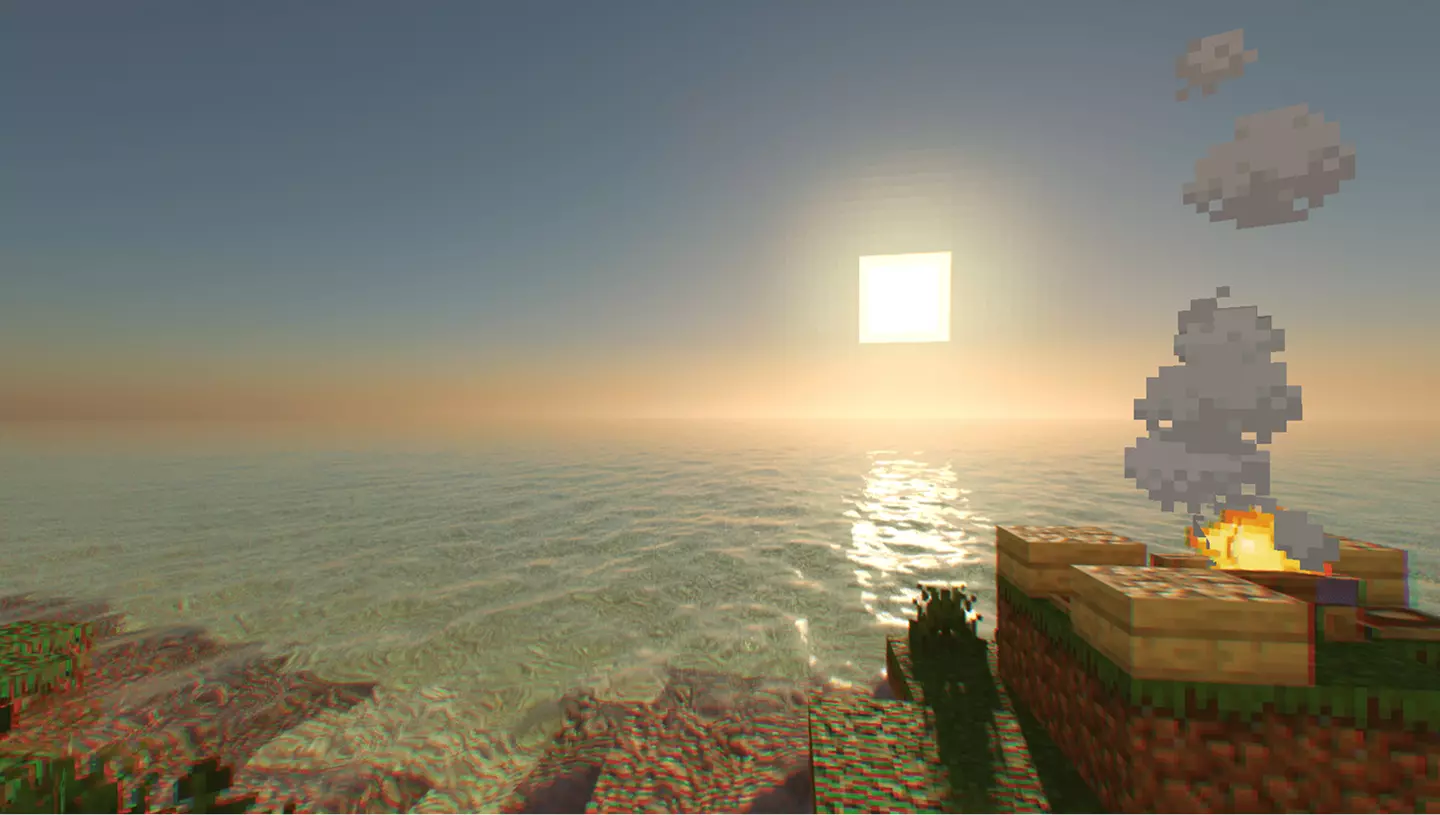
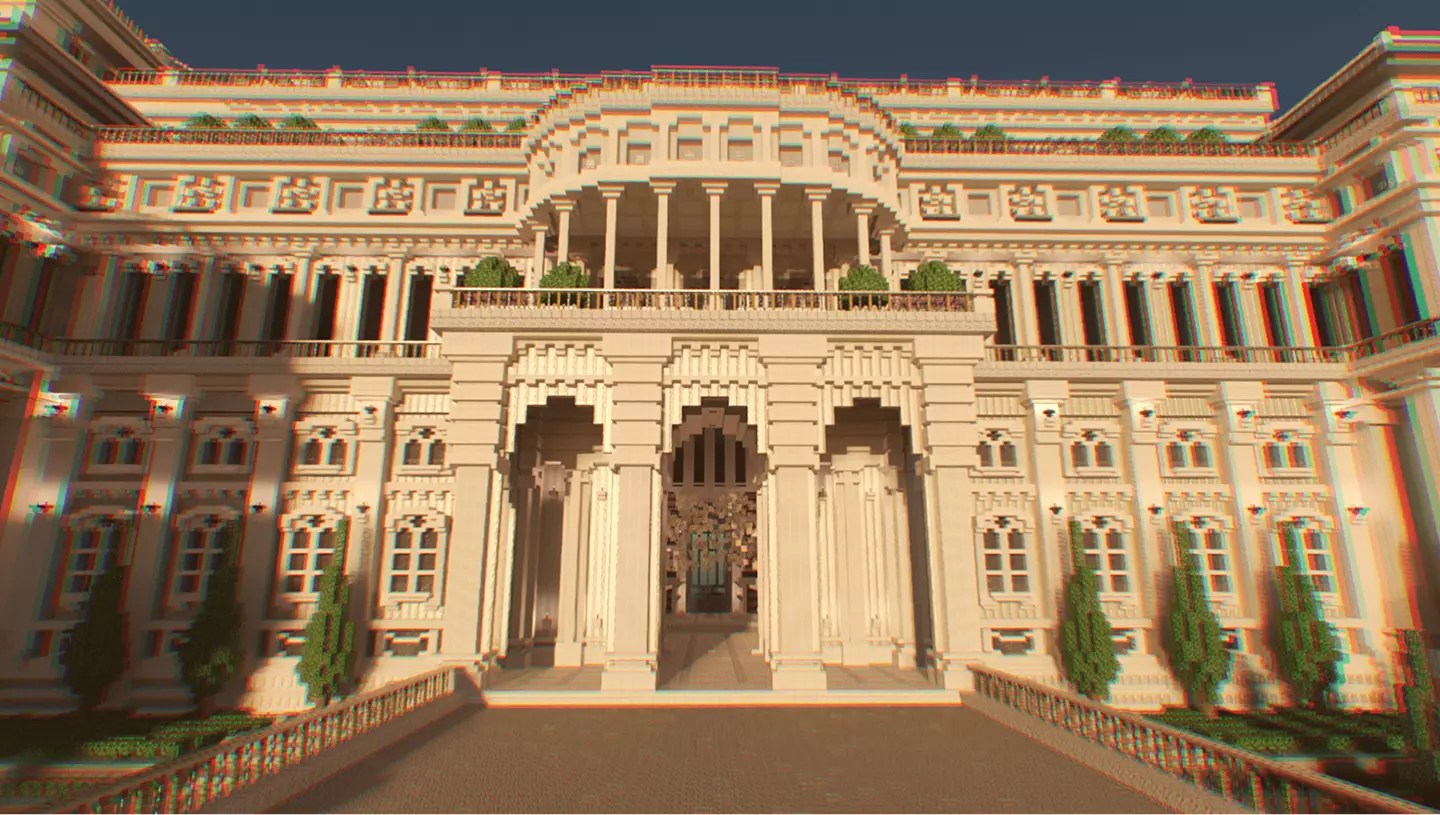
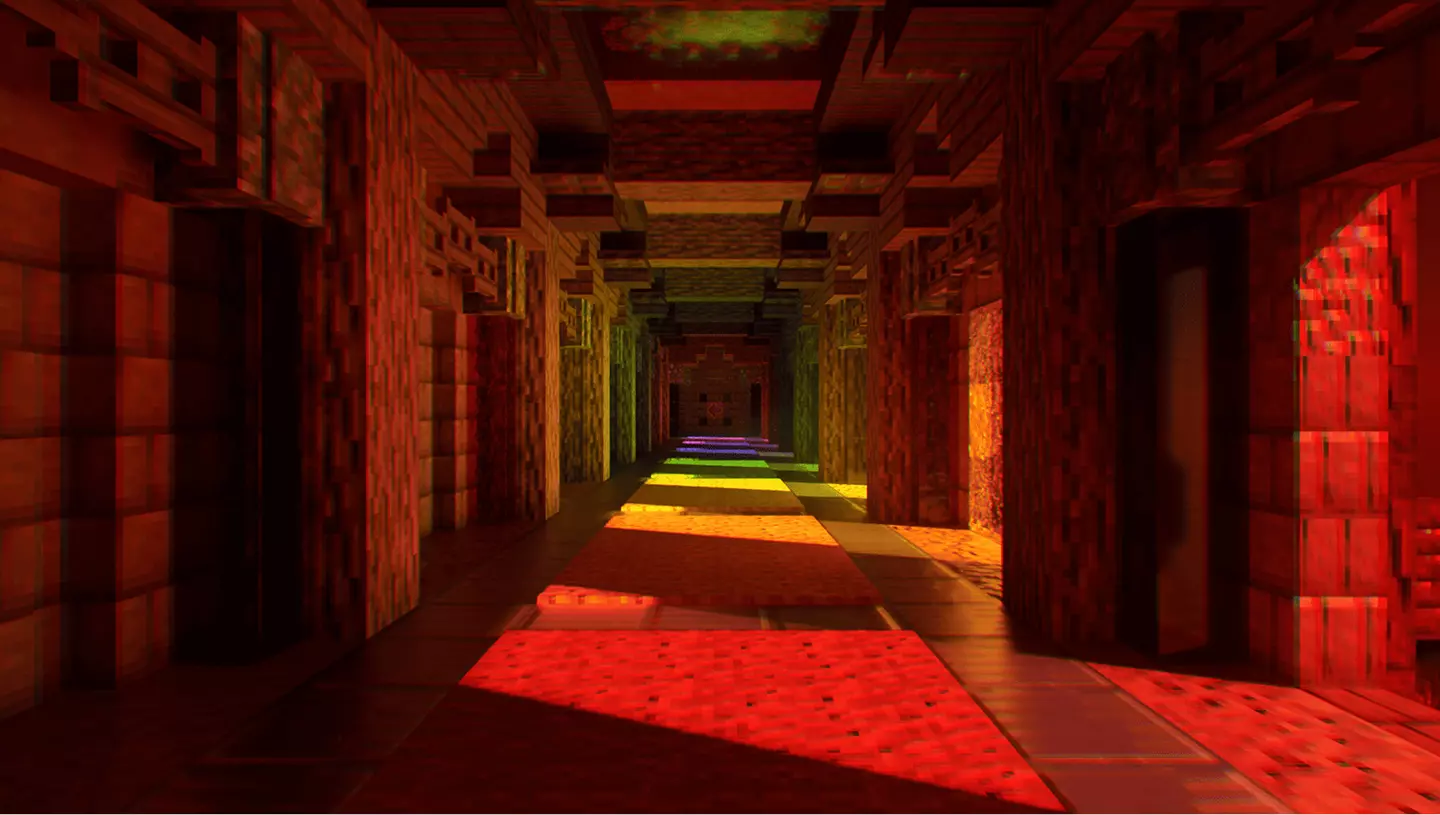
This pack keeps Minecraft looking like Minecraft, but adds proper ray tracing support. No fake realism, no overdone textures — just your regular blocks with clean normals and real lighting.
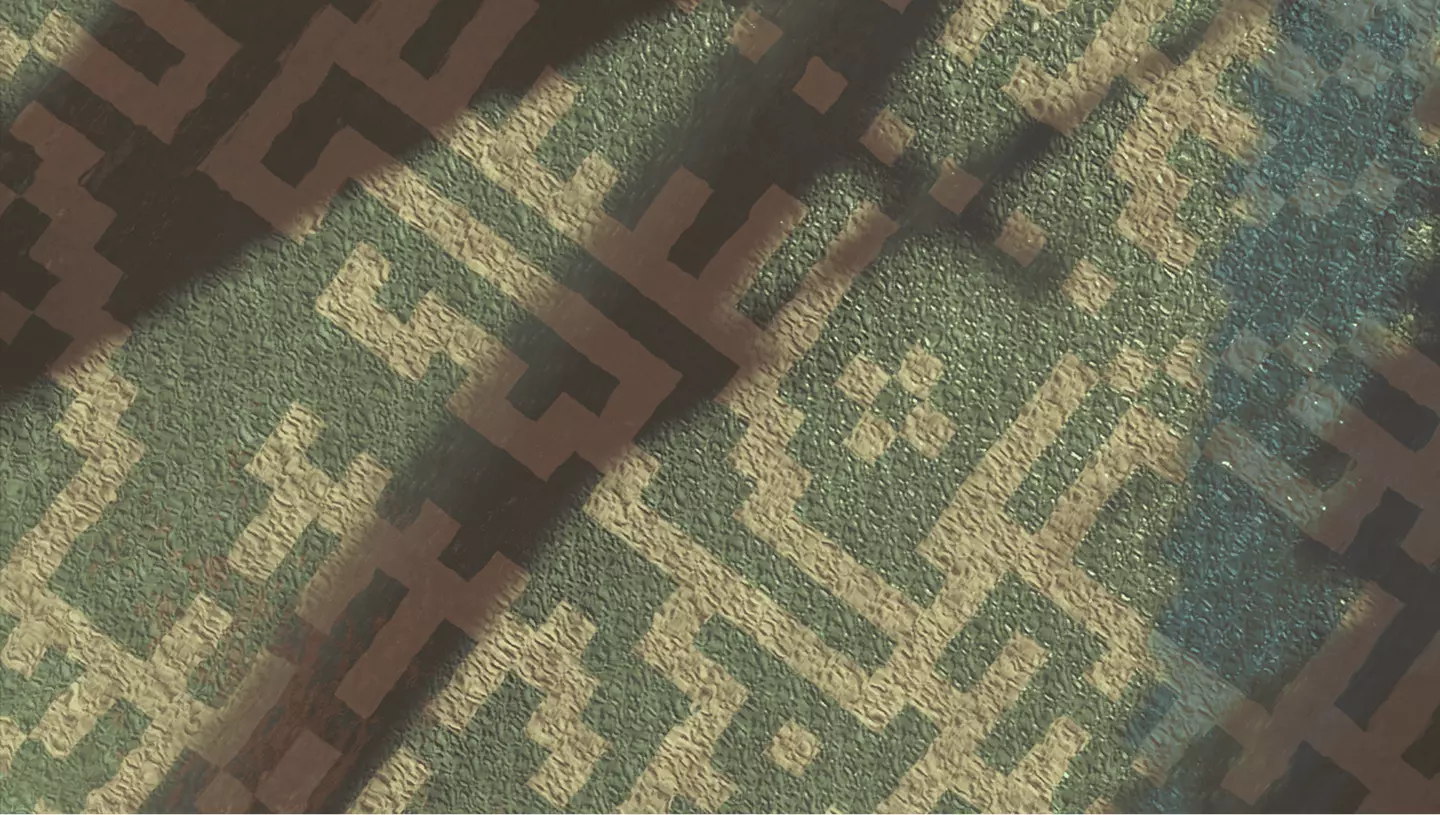
Every block reacts to light the way it should. Stone looks sharp, wood gets depth, and everything feels clearer when RTX is on. It doesn’t mess with colors or try to change the style — it just makes it hit harder.
Works on 1.21 and older. If you’ve got a card that can run RTX, this pack lets you use it without making the game look like something else. Straightforward. No drama. Just better lighting.
Installation:
- Download Texture;
- Open the downloaded .mcpack to install;
- Select texture in settings;
- Done.
This pack keeps Minecraft looking like Minecraft, but adds proper ray tracing support. No fake realism, no overdone textures — just your regular blocks with clean normals and real lighting.
Every block reacts to light the way it should. Stone looks sharp, wood gets depth, and everything feels clearer when RTX is on. It doesn’t mess with colors or try to change the style — it just makes it hit harder.
Works on 1.21 and older. If you’ve got a card that can run RTX, this pack lets you use it without making the game look like something else. Straightforward. No drama. Just better lighting.
Installation:
- Download Texture;
- Open the downloaded .mcpack to install;
- Select texture in settings;
- Done.
💬 Comments (0)
Login to leave a comment.
No comments yet. Be the first!