

Pokémon Health y Damage Indicator Mod / Addon v1.0.0
Overview
/ Addons / Mods 1.21
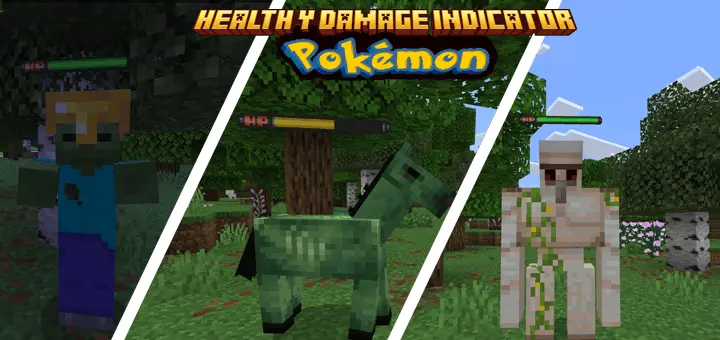
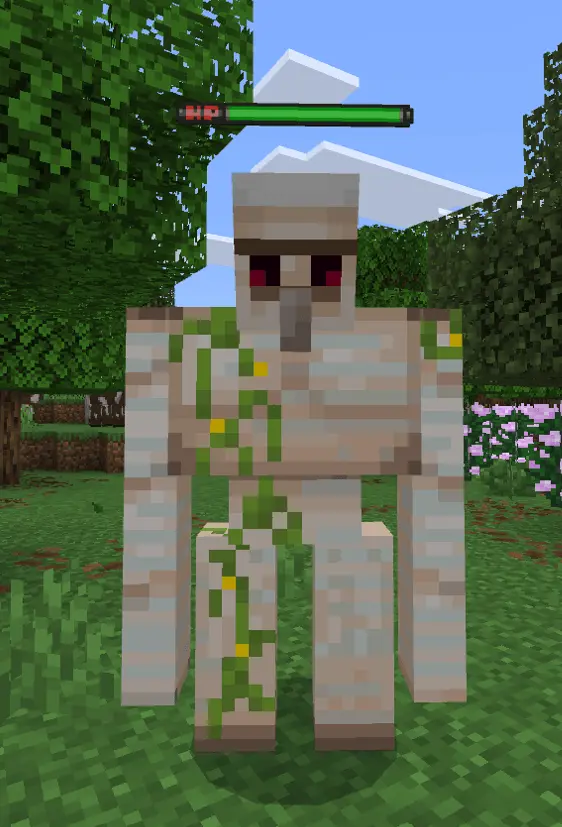
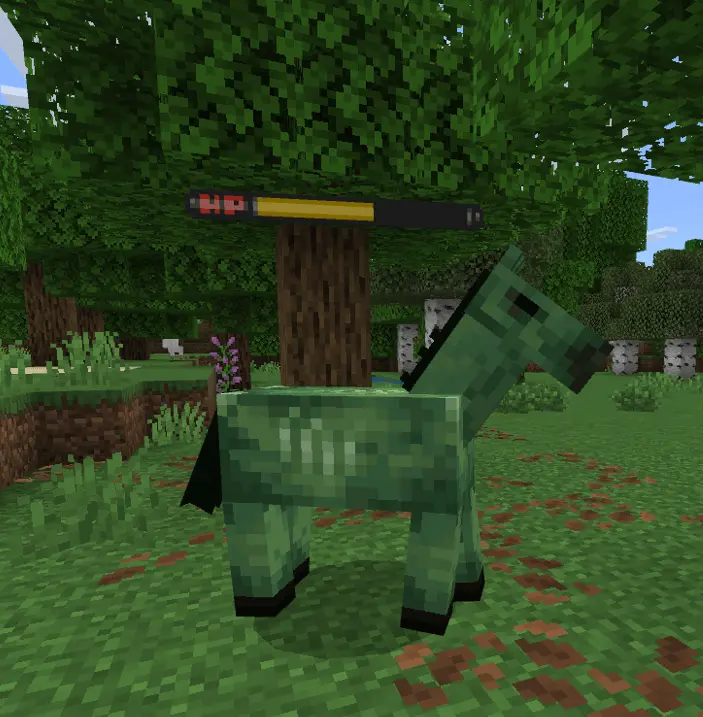
Pokémon Health & Damage Indicator Mod straight-up makes every Minecraft fight feel like a battle from Diamond and Pearl. This add-on replaces the default health system visuals with clean, classic Pokémon-style health bars — the kind you remember from the DS days. Every mob now has a floating bar that looks like it came straight outta a Pokémon battle screen.
It’s not just about the looks, either — having a visible health bar gives you a full read on how much damage you’re doing and how close that Creeper or Enderman is to dropping. Makes combat feel way more strategic, especially when you’re taking on bosses or running dungeons with friends.
The design is clean, nostalgic, and works across all mobs. Whether you're just vibing in survival or running a Pixelmon-style world, this add-on fits in perfectly. Pokémon fans, this one’s for you — it’s a small change with a big vibe boost.
Installation Mod:
- Download the .mcaddon / .mcpack;
- Open the file to import into the game;
- In World Settings → Resource Packs and Behavior Packs, enable it (turn on Experiments if needed);
- Have fun!
Pokémon Health & Damage Indicator Mod straight-up makes every Minecraft fight feel like a battle from Diamond and Pearl. This add-on replaces the default health system visuals with clean, classic Pokémon-style health bars — the kind you remember from the DS days. Every mob now has a floating bar that looks like it came straight outta a Pokémon battle screen.
It’s not just about the looks, either — having a visible health bar gives you a full read on how much damage you’re doing and how close that Creeper or Enderman is to dropping. Makes combat feel way more strategic, especially when you’re taking on bosses or running dungeons with friends.
The design is clean, nostalgic, and works across all mobs. Whether you're just vibing in survival or running a Pixelmon-style world, this add-on fits in perfectly. Pokémon fans, this one’s for you — it’s a small change with a big vibe boost.
Installation Mod:
- Download the .mcaddon / .mcpack;
- Open the file to import into the game;
- In World Settings → Resource Packs and Behavior Packs, enable it (turn on Experiments if needed);
- Have fun!
💬 Comments (0)
Login to leave a comment.
No comments yet. Be the first!