

OS Elementals Skin Pack v1.0.0
Overview
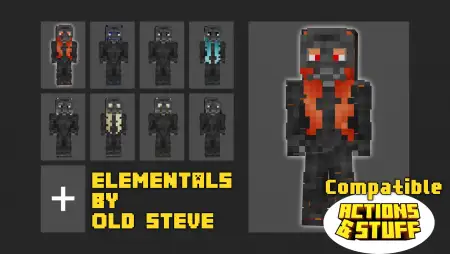
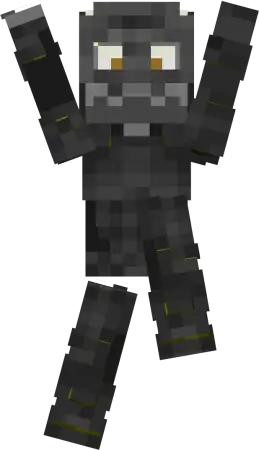
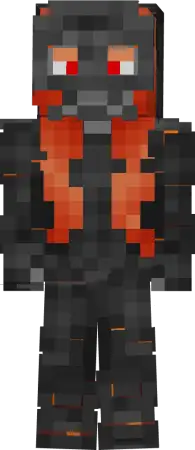
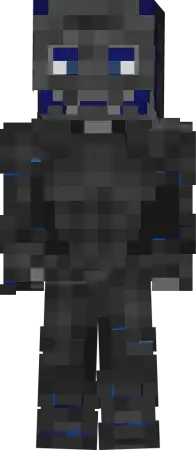
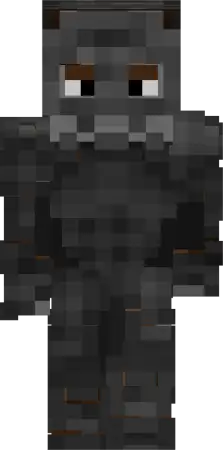
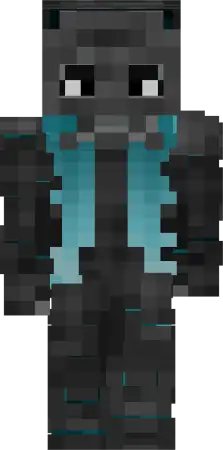
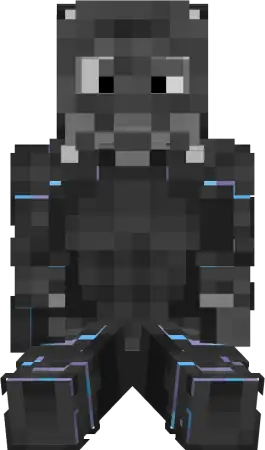
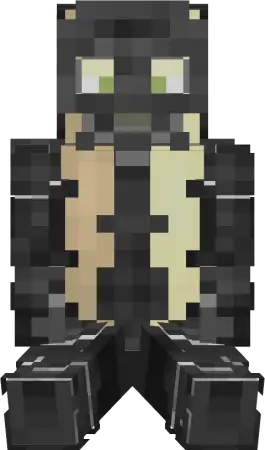
OS Elementals Skin Pack mine-craft 1-10-2025, 15:15 536 Skins OS Elementals Skins â pick a primal guardian and let the session match your mood. This set drops eight clear identities into Minecraft Bedrock, each tied to a classic force: Pyra burning bright, Aquilo rolling cool, Terran steady as stone, Zephyra light on her feet, Frostis sharp and wintry, Luminis radiant, Voltus crackling with energy, and Umbra walking the edge of darkness. Itâs pure cosmetics, zero gameplay tweaks, which is exactly why it worksâyou keep your survival rhythm while your look sets the tone the second you spawn.Out in survival, the roles basically assign themselves. Iâll throw on Terran for a long mining stretchâfeels right hauling cobble and carving clean tunnelsâthen switch to Aquilo for a river scout run or boat haul between bases. Pyra is my go-to for Nether trips and blaze hunts; the fit just sells the heat while you sprint bridges. Zephyra makes Elytra lines and parkour routes feel on-brand; you land, dust off, and keep moving. Frostis fits mountain seeds and snowy village builds, while Luminis is perfect for late-night town tours where lantern paths and glass roofs need a proper mascot. Voltus reads great in redstone labs and PvP arenas, and Umbra is the pick when itâs Deep Dark night and youâre daring the sensors.On servers, the silhouettes are clean and easy to call from midrange. Run a raid with Pyra and Voltus pushing front, Terran anchoring the gate, Aquilo flanking rivers, and Umbra shadowing rooftops. For roleplay, these skins make screenshots and trailers popâset your team by element and the story basically writes itself. Setup is simple: equip your guardian in the Minecraft Bedrock skin menu and play. No hitbox weirdness, achievements stay fine, just eight strong vibes you can rotate to match the plan. If you want your look to sync with what youâre doingâbuilding, fighting, exploringâOS Elementals Skins nails it, giving your Minecraft Bedrock world a cast that feels natural whether youâre chasing thunder or whispering through the wind.How to Install Skins in Minecraft Bedrock- Download a .png skin (64Ã64 or 128Ã128).- Open Minecraft Bedrock.- Go to Profile (hanger icon) â Edit Character.- Tap Owned â Import â Choose New Skin.- Select your .png file.- Pick a model: Classic (Steve) or Slim (Alex).- Confirm to equip and play.elementals_skin_pack-1.mcpack [34.56 Kb] (downloads: 21)
💬 Comments (0)
Login to leave a comment.
No comments yet. Be the first!