

OG Minecraft Skins v1.0.0
Overview
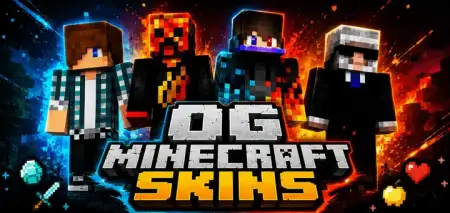
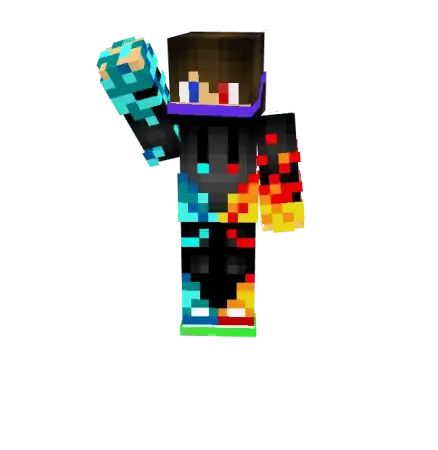
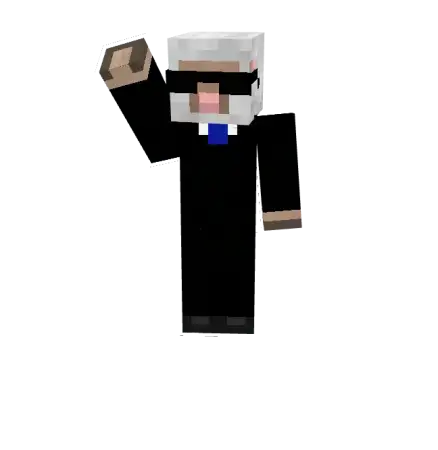
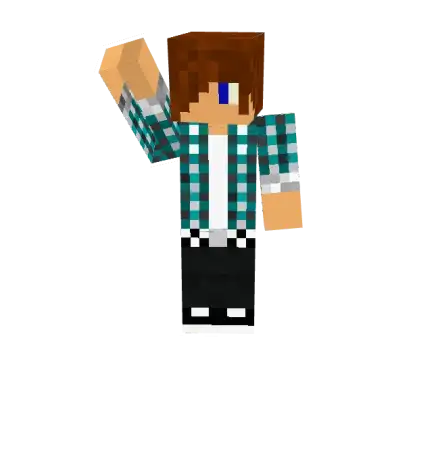
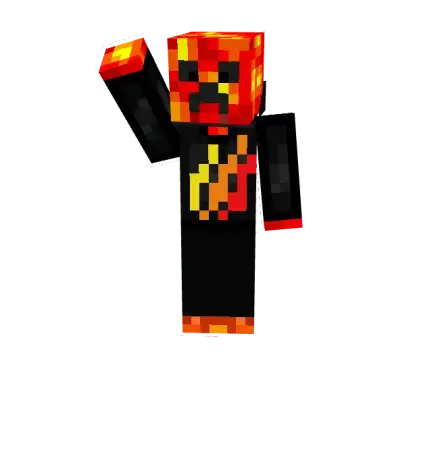
OG Minecraft Skins mine-craft 9-07-2026, 14:08 328 Skins The OG Minecraft Skins pack completely ditches the modern, hyper-detailed HD look to bring back that pure, retro aesthetic we all grew up with. It is the exact download you need if you want to flex some genuine nostalgia on your next multiplayer server.Nowadays, Bedrock lobbies are absolutely packed with glowing neon outfits, massive 4D models, and overly complex anime designs. While those can be fun, they definitely lose that original blocky charm. This retro MCPE skin pack strips all that extra noise away. Instead, you get a solid lineup of classic Bedrock skins that look exactly like they were pulled straight out of the 2012 era of the game. The shading is super minimal, the colors are straightforward, and the overall vibe just screams old-school survival.Remembering the golden era of 2012 YouTube Let's Plays hits different when you load into a modern server wearing the exact same pixels that started it all. The OG Minecraft Skins pack brings pure nostalgia straight to your Bedrock Edition wardrobe, reviving the legendary, unpolished character designs from the game's earliest days before the Marketplace took over.Modern character creator items have honestly gone way overboard with bizarre 3D wings, animated neon auras, and high-res textures that do not even look like they belong in a block game anymore. Half the people sitting in a CubeCraft lobby right now look like walking visual glitches. Going full retro with an old-school skin is the ultimate counter-flex. When you pull up to a PvP arena rocking a classic 2011 Enderman in a tuxedo, a Derp face, or those iconic checkered-shirt creeper hoodies, veteran players immediately respect the vibe. It sends a clear message that you were grinding survival worlds long before sprint-jumping or hunger bars were even a thing.What makes these vintage MCPE textures so iconic is their raw, unforgiving simplicity. Back when the community was making avatars in basic browser editors, nobody was using fancy gradient color wheels or soft pastel shading.Whether you are jumping into a sweaty PvP minigame, hanging out in a roleplay map, or just launching a fresh vanilla Realm with your friends, these simpler designs just feel right. They blend seamlessly with the default game textures. You don't have to deal with weird custom geometry breaking your armor visualsâjust standard avatars that actually look like they belong in the Minecraft universe.If you are tired of endlessly scrolling through the dressing room trying to put together a modern outfit, grab these OG Minecraft skins instead. Just pick a classic look, apply it to your profile, and get back to mining like itâs a decade ago.Quick guide: How to install this Minecraft skinpackDownloaded the .mcpack file? Here is exactly how to get it into your game depending on what device you are using right now.- On Windows or Android: Just click or tap the downloaded file twice. Minecraft will open up on its own and load the skins immediately.- On iPhone or iPad: Save the file, open your Files app, and hold your finger on it. Hit Share, select Minecraft from the list, and the game will handle the rest.To put the skins on, just open Minecraft, head over to the Dressing Room (Profile), click on Classic Skins on the left, find this pack under Owned, and tap Equip.og_minecraft_skins.mcpack [34.92 Kb] (downloads: 27)
💬 Comments (0)
Login to leave a comment.
No comments yet. Be the first!