

Modern Sedan Mod / Addon v1.0.0
Overview
/ Addons / Mods 1.21
Modern Sedan – American Style Car Addon for Minecraft
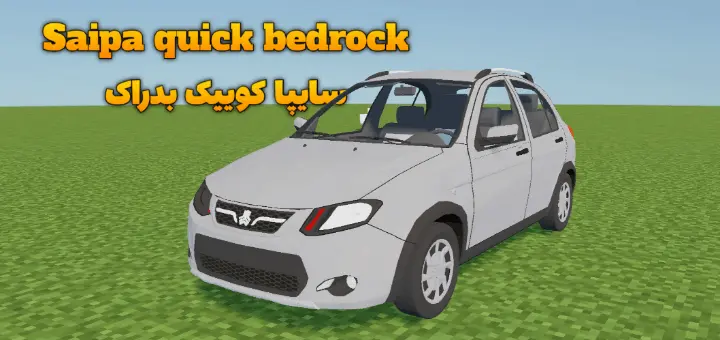
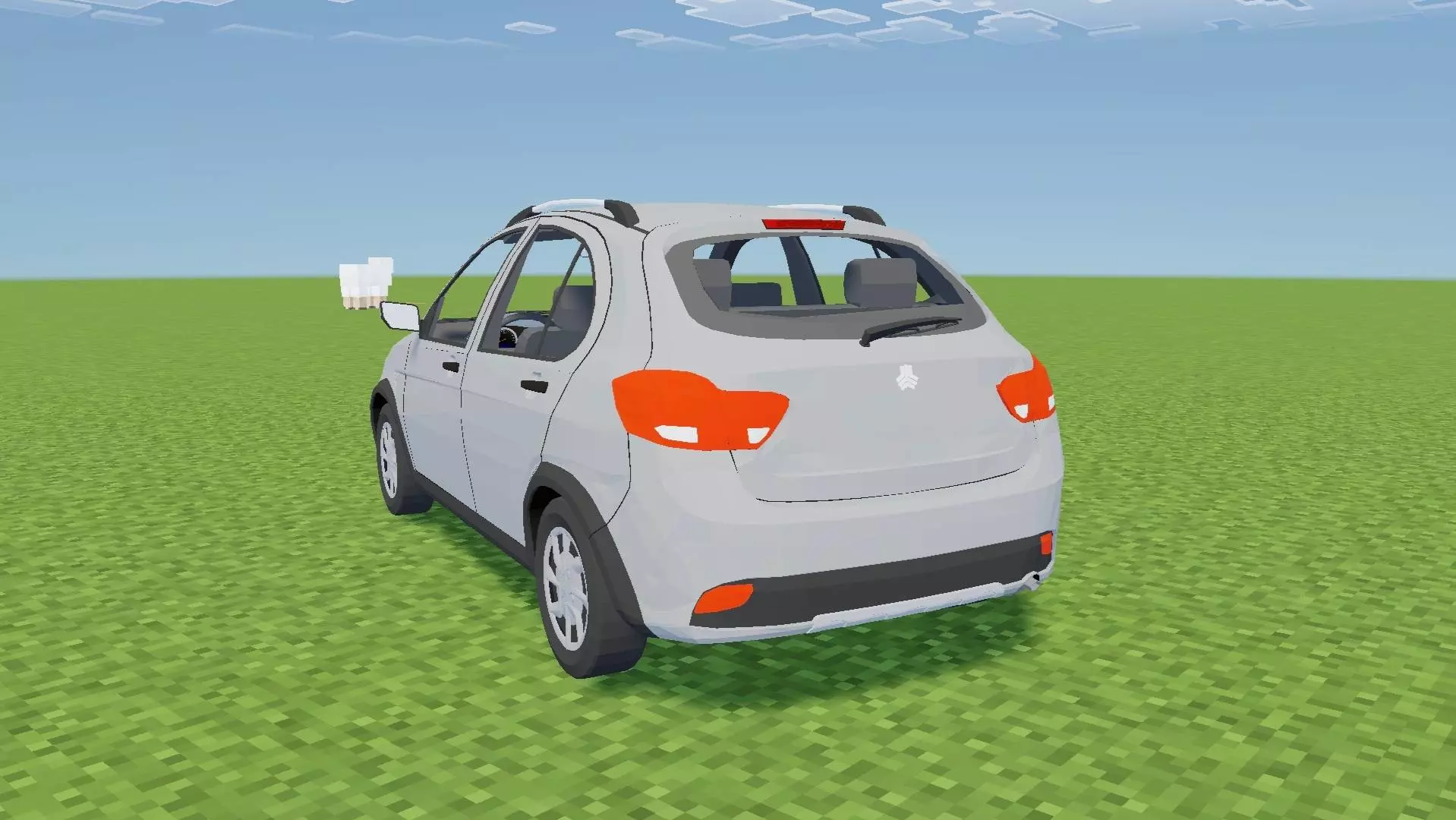
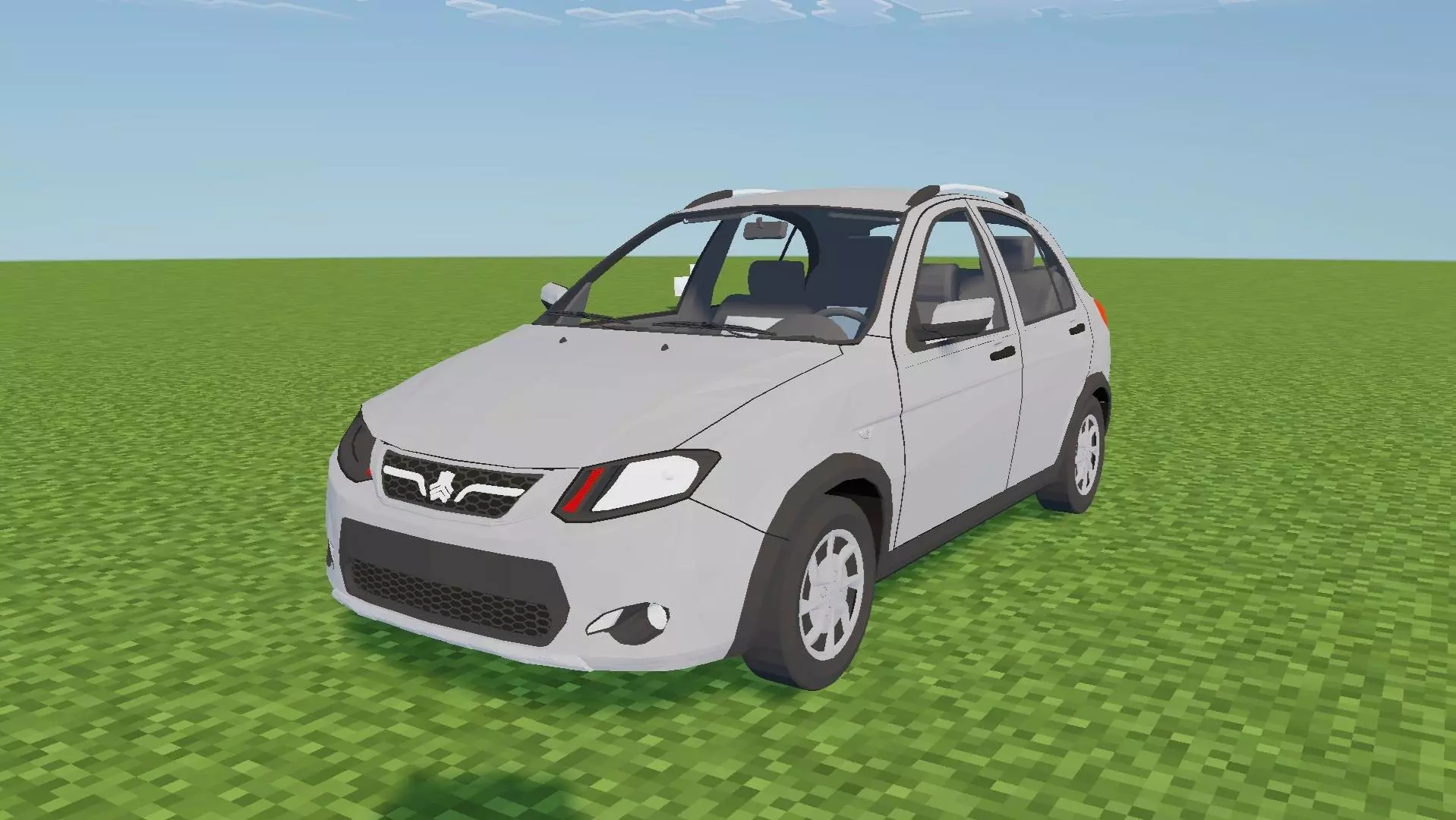
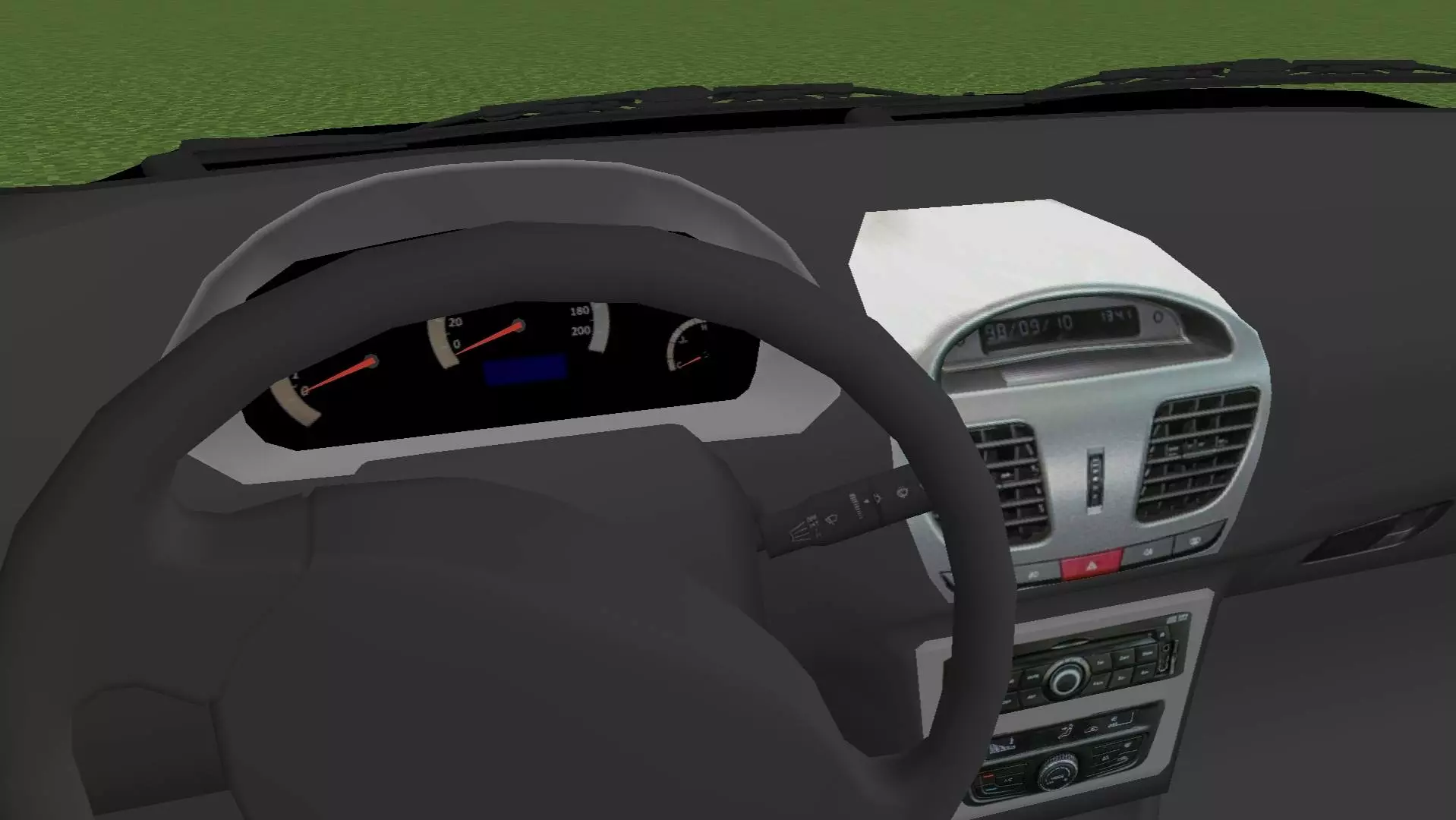
Need a clean ride for your city build or suburban server life? This Modern Sedan addon brings in a slick, realistic American-style car that fits perfectly in any Minecraft Bedrock world. It’s got that daily driver look — nothing too flashy, but solid, smooth, and super polished. You’re getting full 3D detail with a legit interior and exterior, including a working steering wheel that syncs with your player’s head. Looks great from both first and third person.
The wheels spin while you’re driving, and your character actually sits right where they should. Whether you're roleplaying, building a city, or just flexing on your friends, this car's got the vibe. Perfect for streets, parking lots, or even high school RP worlds. It’s clean, it’s modern, and it drives like a dream.
Installation Mod:
- Download the .mcaddon / .mcpack;
- Open the file to import into the game;
- In World Settings → Resource Packs and Behavior Packs, enable it (turn on Experiments if needed);
- Have fun!
Modern Sedan – American Style Car Addon for Minecraft
Need a clean ride for your city build or suburban server life? This Modern Sedan addon brings in a slick, realistic American-style car that fits perfectly in any Minecraft Bedrock world. It’s got that daily driver look — nothing too flashy, but solid, smooth, and super polished. You’re getting full 3D detail with a legit interior and exterior, including a working steering wheel that syncs with your player’s head. Looks great from both first and third person.
The wheels spin while you’re driving, and your character actually sits right where they should. Whether you're roleplaying, building a city, or just flexing on your friends, this car's got the vibe. Perfect for streets, parking lots, or even high school RP worlds. It’s clean, it’s modern, and it drives like a dream.
Installation Mod:
- Download the .mcaddon / .mcpack;
- Open the file to import into the game;
- In World Settings → Resource Packs and Behavior Packs, enable it (turn on Experiments if needed);
- Have fun!
💬 Comments (0)
Login to leave a comment.
No comments yet. Be the first!