

Military Pack – Skin Pack v1.0.0
Overview
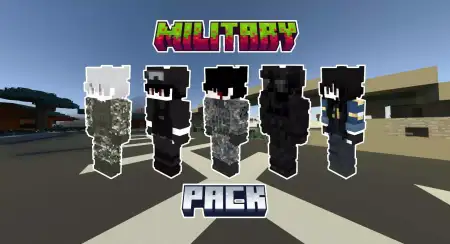
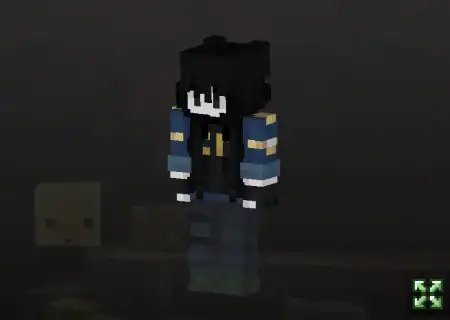
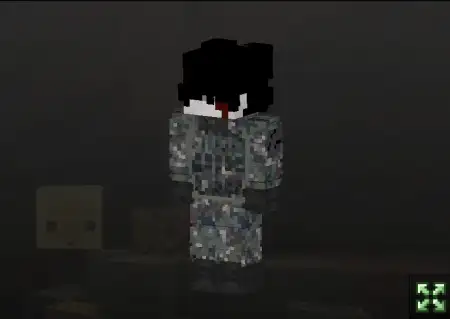
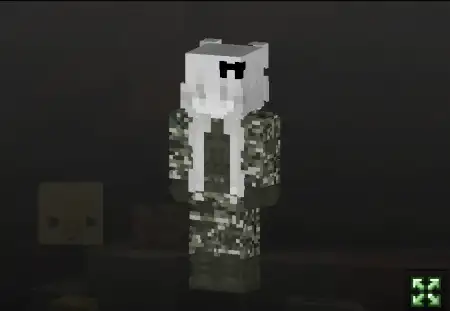
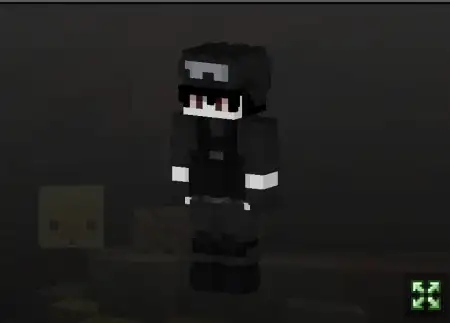
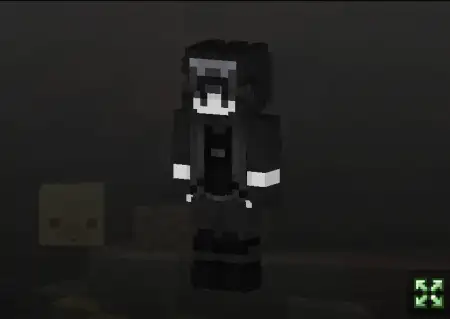
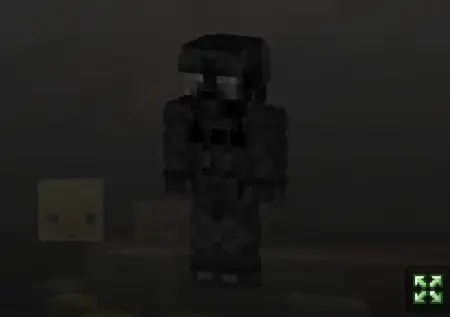
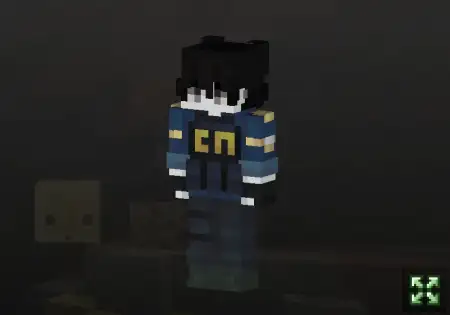
Military Pack â Skin Pack mine-craft 6-07-2026, 04:18 291 Skins The Military Skin Pack outfits your Minecraft Bedrock character with highly detailed tactical camouflage, making it the perfect choice for hardcore PvP and survival roleplay.Let's be real, running into a massive faction war wearing a neon hoodie or a default Steve shirt is just asking to get sniped. If you and your squad are setting up a dedicated military base or grinding out custom combat maps, you need gear that actually fits the vibe. This custom MCPE skin pack delivers exactly that with realistic textures and a solid color palette designed specifically for blending into harsh biomes like the taiga or dense forests.What makes this Minecraft military skin download so good is the attention to detail. Every outfit looks tactical and rugged, so your whole clan can rock matching uniforms during massive server events or duo survival runs. Whether you are holding down a fortress or doing a stealth raid on an enemy base, having a coordinated look makes your team feel way more authentic. Plus, you don't have to worry about weird rendering issues; the files run flawlessly across iOS, Android, and Windows 10 devices.Running loud and proud might work for flexing in the main hub, but the second you step into a hardcore PvP zone, visibility equals death. This collection of military Minecraft Bedrock skins entirely removes the target off your back. Whether you are holding down a heavily fortified base on an anarchy realm or flanking opponents in a sweaty game of capture the flag, blending into your environment is an undisputed tactical advantage. These tactical layouts, however, swap out the hypebeast streetwear for authentic combat fatigues, muted color palettes, and heavy-duty webbing that actually makes sense in a firefight. Every pixel serves a purpose, from the scuffed knee pads to the ammo pouches strapped to the chest rigs. These details matter when you are trying to immerse yourself in a heavy roleplay server or a massive clan tournament.The wardrobe depth here covers basically every theater of war you might encounter across your server list. If you are operating deep in the jungle biomes or defending a forest outpost, throwing on the ghillie-inspired woodland camo makes you practically invisible among the leaf blocks. Transitioning to a desert warfare map? Swap to the tan operator gear to seamlessly match the sand and sandstone terrain. The pack even includes sleek, blacked-out spec ops outfits specifically designed for those covert night raids when you are breaching an enemy clanâs stronghold. When your entire crew coordinates their loadouts using these specific military skins, it immediately shifts the psychological balance of the lobby. Nobody wants to push a compound defended by a synchronized unit of highly geared operators.Loading up this arsenal is completely frictionless, thanks to the streamlined .mcpack format. You do not need a degree in file management to get your gear sorted; simply execute the file and watch your locker populate with dozens of combat-ready options across Windows, mobile, or console. The outer layer geometry holds up perfectly during high-intensity movement. Your night vision goggles, tactical vests, and headsets render cleanly without clipping while you are sprint-jumping or crouching behind cover. Keep this tactical roster on standby in your global resources, so next time the server tension boils over into an all-out turf war, you will be dropping into the crossfire fully kitted out and ready to dominate the terrain.If you are tired of looking like a massive target during BedWars or faction skirmishes, it is time to upgrade your wardrobe. Grab this Minecraft Bedrock skin pack download, sync up with your squad, and lock in your loadout for the next mission.Quick guide: How to install this Minecraft skinpackDownloaded the .mcpack file? Here is exactly how to get it into your game depending on what device you are using right now.- On Windows or Android: Just click or tap the downloaded file twice. Minecraft will open up on its own and load the skins immediately.- On iPhone or iPad: Save the file, open your Files app, and hold your finger on it. Hit Share, select Minecraft from the list, and the game will handle the rest.To put the skins on, just open Minecraft, head over to the Dressing Room (Profile), click on Classic Skins on the left, find this pack under Owned, and tap Equip.militarypack.mcpack [77.35 Kb] (downloads: 32)
💬 Comments (0)
Login to leave a comment.
No comments yet. Be the first!