

fantasy kits map v1.0.0
Overview
/ PvP Maps
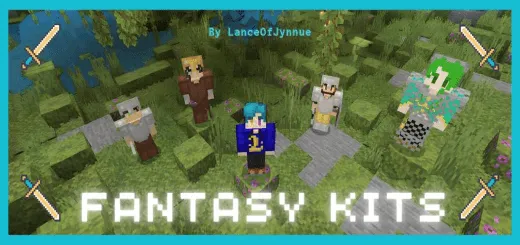
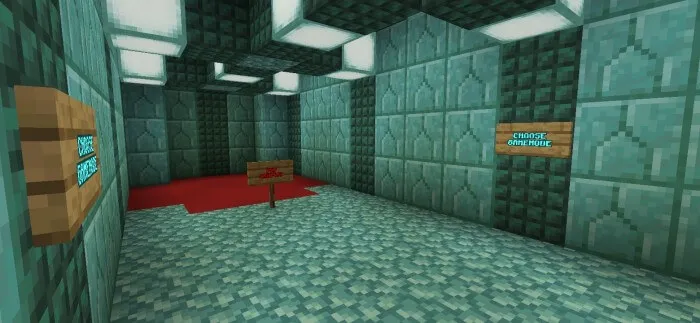
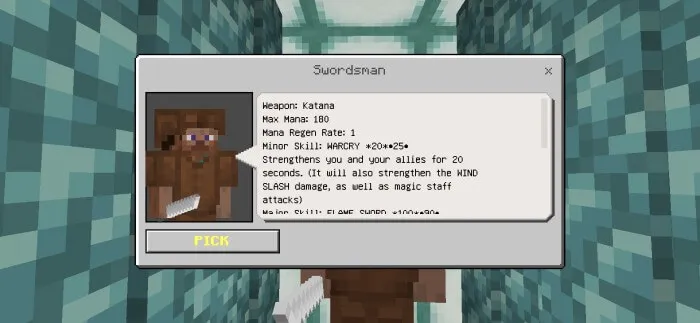
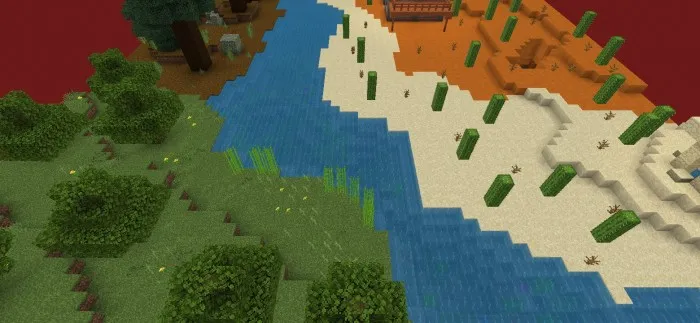
Fantasy Kits A map with a PVP arena and a set of battle kits.
How to install?
Android: you need to find the downloaded file on your phone, use any file manager for this and import the map into the game by opening it.
IOS: after receiving the map, the device itself will offer to install it.
Windows 10: go to the folder where the files are downloaded, find mcworld there and activate it.
fantasy-kits-v0_8.mcworld [3.02 Mb] (downloads: 136)
fantasy-kits-v0_8.zip [3.02 Mb] (downloads: 16)
How to install?
Android: you need to find the downloaded file on your phone, use any file manager for this and import the map into the game by opening it.
iOS: after receiving the map, the device itself will offer to install it.
Windows 10: go to the folder where the files are downloaded, find .mcworld there and activate it.
Fantasy Kits A map with a PVP arena and a set of battle kits.
How to install?
Android: you need to find the downloaded file on your phone, use any file manager for this and import the map into the game by opening it.
IOS: after receiving the map, the device itself will offer to install it.
Windows 10: go to the folder where the files are downloaded, find mcworld there and activate it.
fantasy-kits-v0_8.mcworld [3.02 Mb] (downloads: 136)
fantasy-kits-v0_8.zip [3.02 Mb] (downloads: 16)
How to install?
Android: you need to find the downloaded file on your phone, use any file manager for this and import the map into the game by opening it.
iOS: after receiving the map, the device itself will offer to install it.
Windows 10: go to the folder where the files are downloaded, find .mcworld there and activate it.
💬 Comments (0)
Login to leave a comment.
No comments yet. Be the first!