

Dynamic Lighting+ Mod / Addon v1.0.0
Overview
/ Addons / Mods 1.21
💡 Dynamic Lighting+ – Light That Moves With You
Ever wish your torches actually lit stuff up while you were holding them?
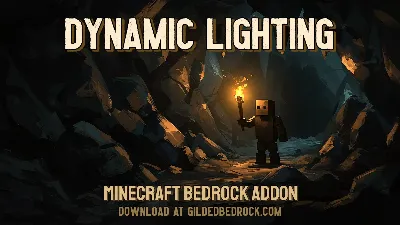
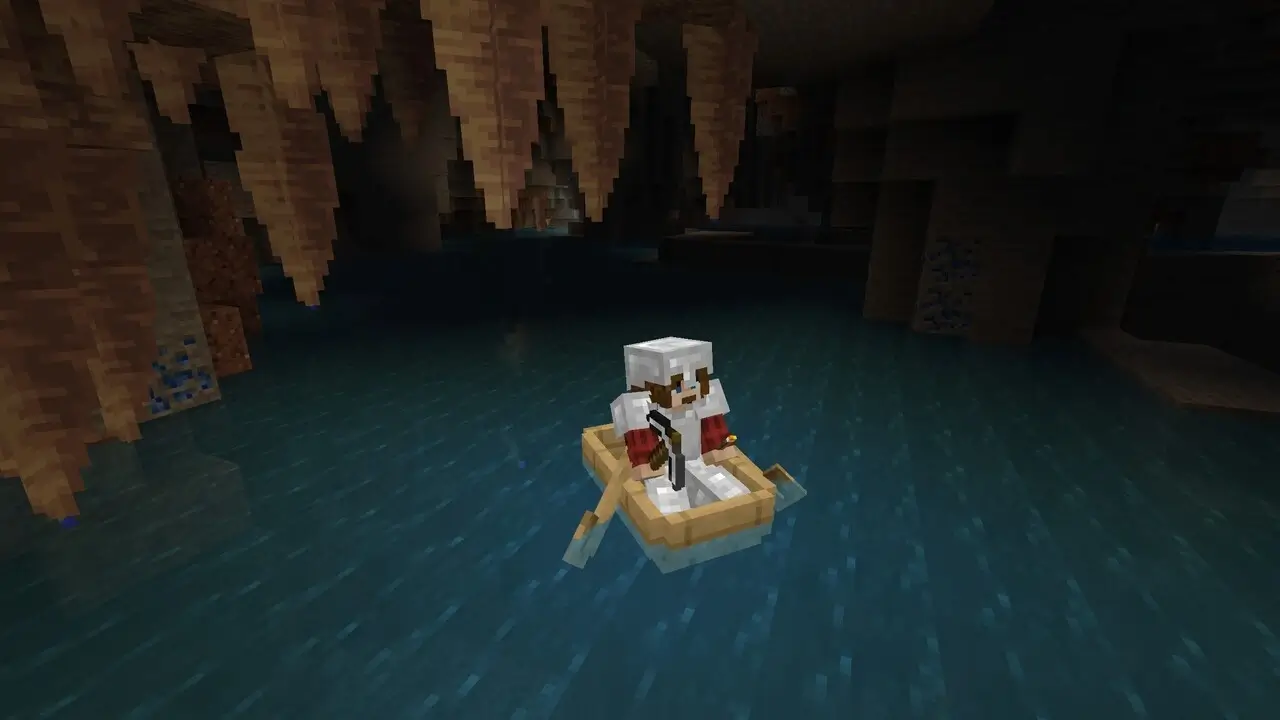
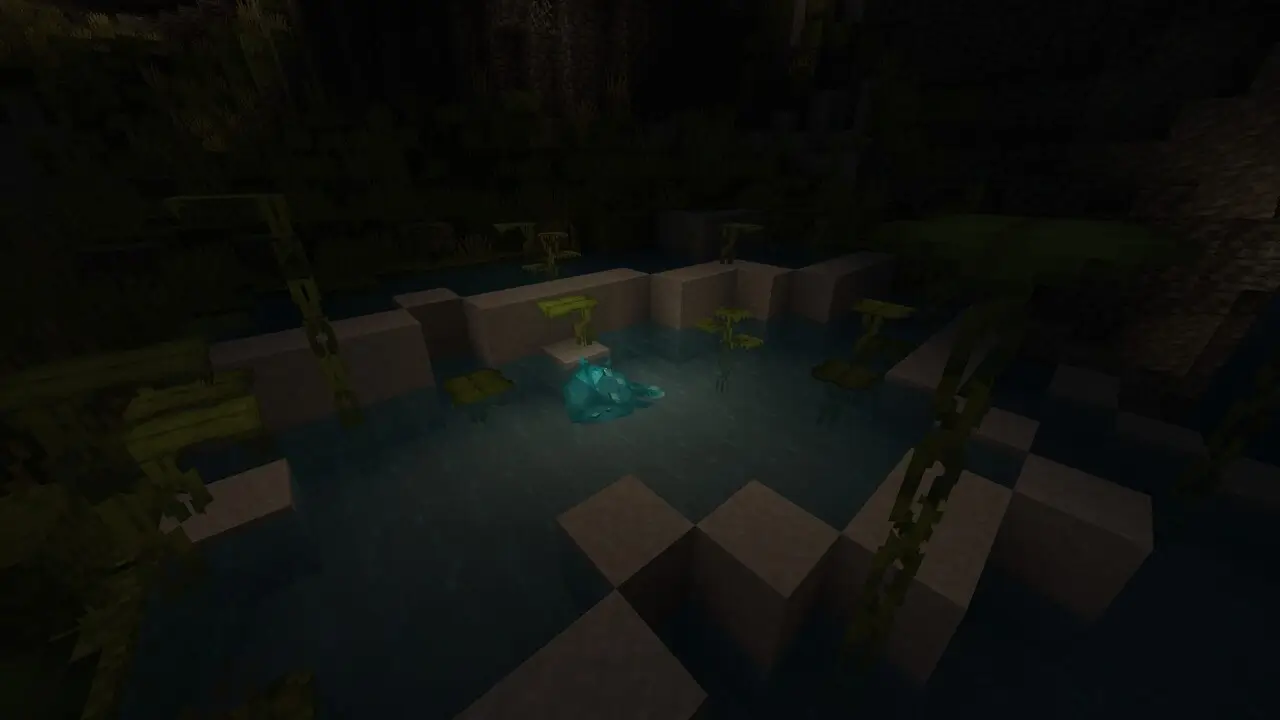
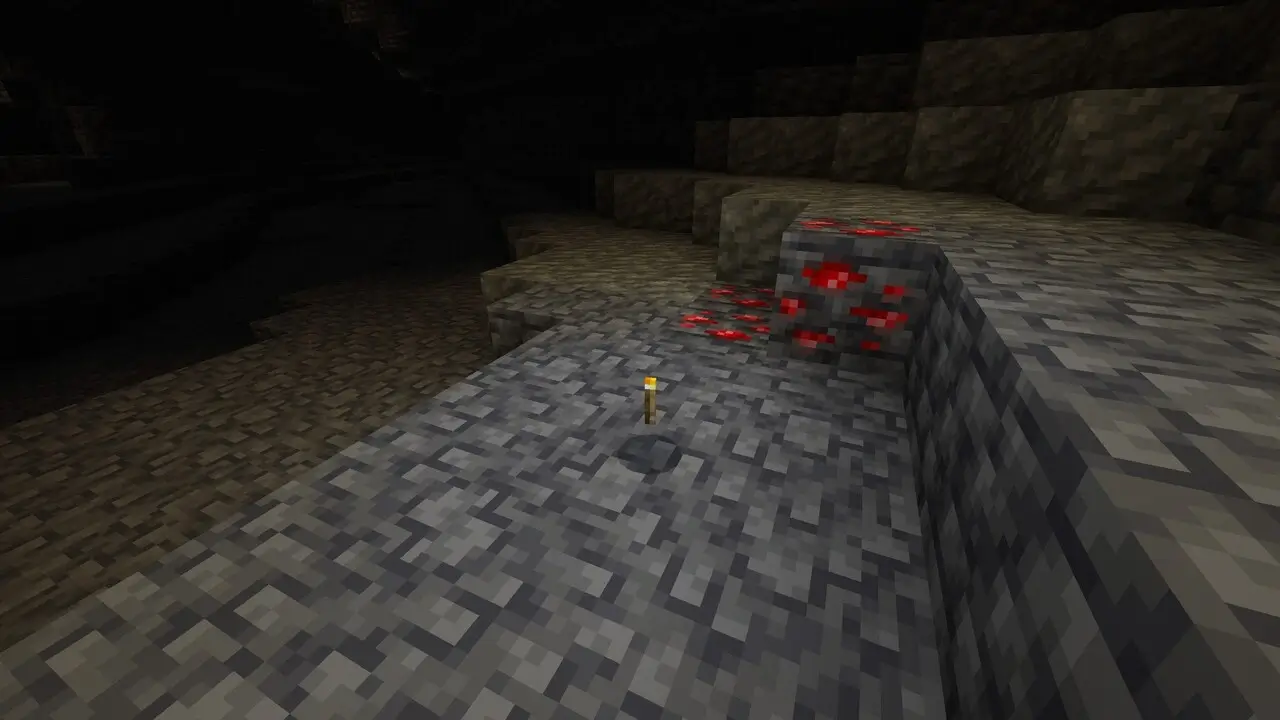
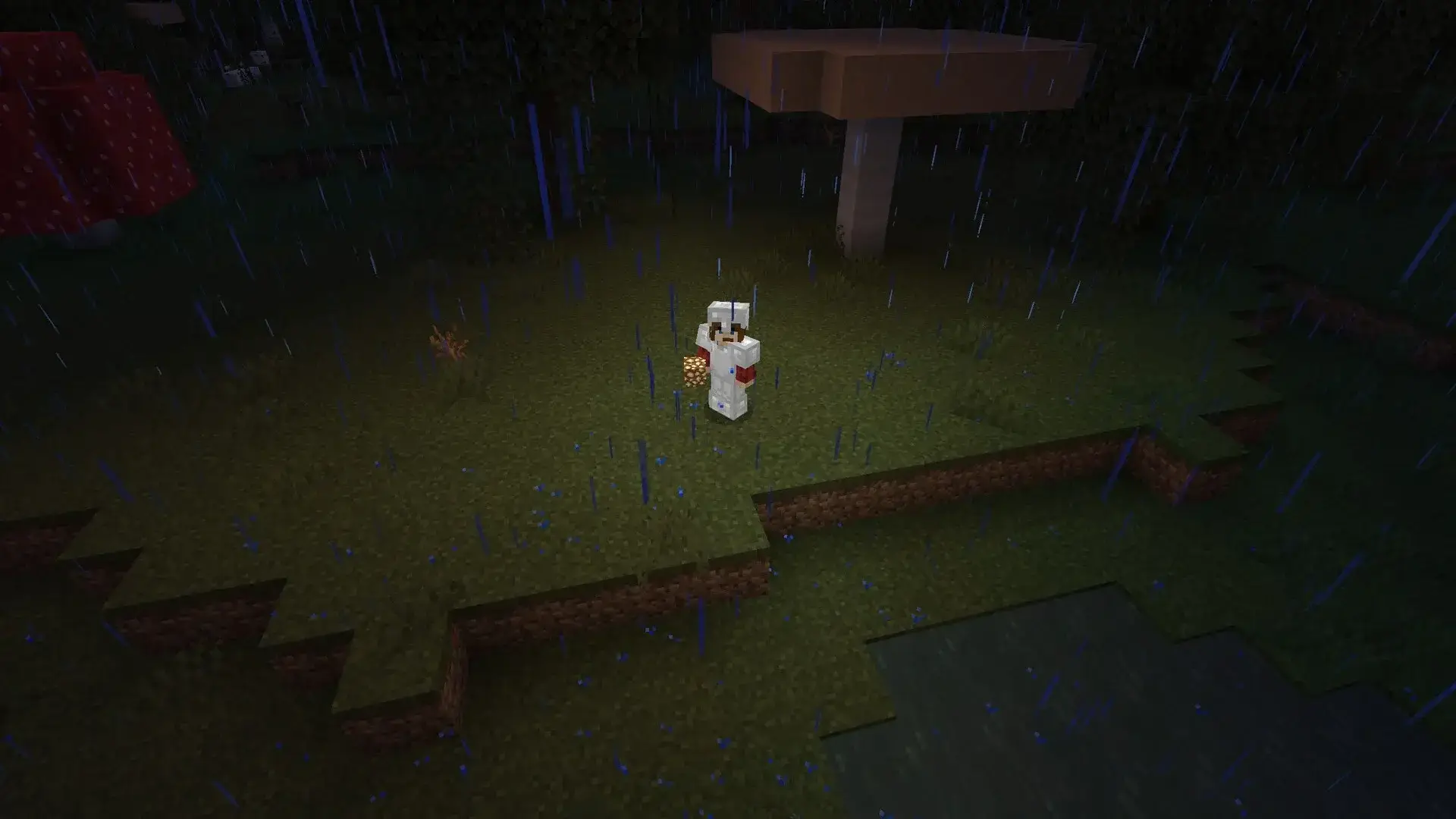
Yeah, same. That’s exactly what Dynamic Lighting+ does — it makes light sources work in real time, so when you hold a torch, lantern, or glowstone, it lights up the area around you. No more blind mining or spamming torches every 3 seconds. This addon brings that Java-style dynamic lighting into Bedrock, and it feels so much better.
What It Adds:
Hold a torch = instant light around you
Works with most light sources (torches, glowstone, sea lanterns, etc.)
Great for mining, exploring, or spooky maps
Fully survival-compatible (no commands or tricks)
Bedrock support (mobile, Xbox, Win10)
“Went caving with one torch in hand and saw everything. It’s a game-changer.”
– @GlowUpSteve
📥 Download Dynamic Lighting+ and stop placing torches like it’s 2011.
Installation Mod:
- Download the .mcaddon / .mcpack;
- Open the file to import into the game;
- In World Settings → Resource Packs and Behavior Packs, enable it (turn on Experiments if needed);
- Have fun!
💡 Dynamic Lighting+ – Light That Moves With You
Ever wish your torches actually lit stuff up while you were holding them?
Yeah, same. That’s exactly what Dynamic Lighting+ does — it makes light sources work in real time, so when you hold a torch, lantern, or glowstone, it lights up the area around you. No more blind mining or spamming torches every 3 seconds. This addon brings that Java-style dynamic lighting into Bedrock, and it feels so much better.
What It Adds:
Hold a torch = instant light around you
Works with most light sources (torches, glowstone, sea lanterns, etc.)
Great for mining, exploring, or spooky maps
Fully survival-compatible (no commands or tricks)
Bedrock support (mobile, Xbox, Win10)
“Went caving with one torch in hand and saw everything. It’s a game-changer.”
– @GlowUpSteve
📥 Download Dynamic Lighting+ and stop placing torches like it’s 2011.
Installation Mod:
- Download the .mcaddon / .mcpack;
- Open the file to import into the game;
- In World Settings → Resource Packs and Behavior Packs, enable it (turn on Experiments if needed);
- Have fun!
💬 Comments (0)
Login to leave a comment.
No comments yet. Be the first!