

Disney Skin Pack v1.0.0
Overview
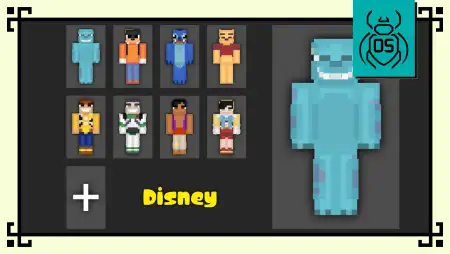
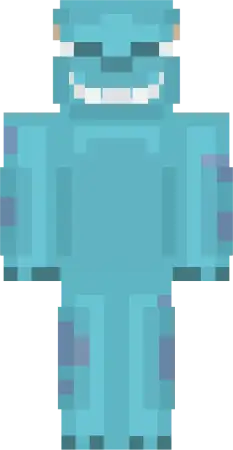
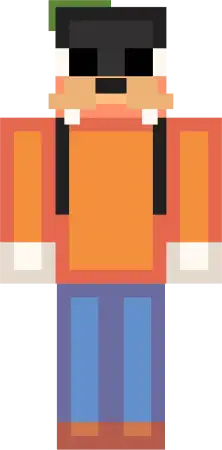
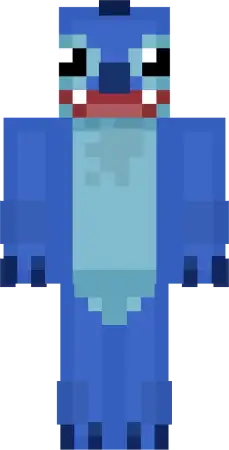
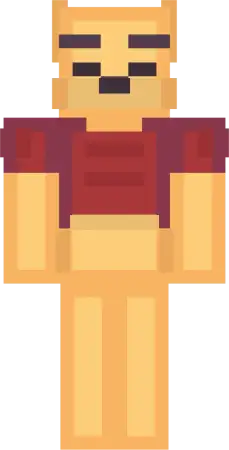
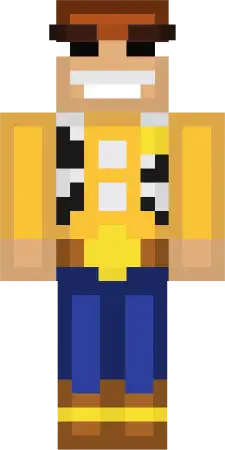
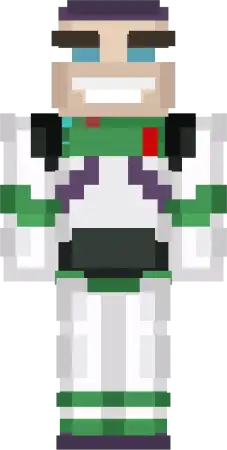
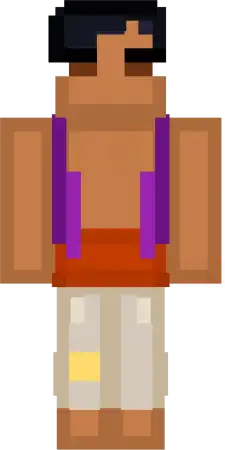
Disney Skin Pack mine-craft 12-01-2026, 20:21 920 Skins Disney Skin Pack keeps things simple: eight iconic characters, all reimagined with that chunky, collectible Funko-style shape thatâs easy to read while youâre actually playing. Itâs the kind of pack you toss on when you want your world to feel more âhangoutâ and less âsweaty grind,â without needing any extra setup. In Minecraft Bedrock, that readability matters a lot once youâre sprinting around, fighting, or just trying not to fall into a ravine while your friends are yelling.What makes Disney Skin Pack click is the variety. Sulley brings that big, friendly tank energy when youâre doing base work or hauling resources back home. Goofy is perfect for the player whoâs always doing something dumb on purpose, like showing up to a serious trading hall meeting and immediately jumping into a fountain. Stitch is straight-up chaos mode for multiplayerâgreat when youâre the one starting side quests, poking creepers from way too close, or âaccidentallyâ triggering a chain of bad decisions. Winnie the Pooh is the chill pick for cozy survival days: farming, cooking, and just vibing around a warm build while itâs raining outside.If you like roleplay, the rest of the cast basically hands you easy character lanes. Woody fits the âsheriffâ of a town world, patrolling paths and keeping order around the market. Buzz Lightyear is the obvious choice for space builds, sci-fi bases, or just acting like every cave mission is a serious operation. Aladdin is a great roaming explorer lookârunning rooftops in villages, slipping through tight alley builds, and always being the first one to spot a chest. Pinocchio is that classic âgood kid in a dangerous worldâ vibe, which is honestly hilarious when youâre geared up and still getting jump-scared by a skeleton.A good way to use Disney Skin Pack is to match the skin to your session: pick one for building days, another for dungeon runs, and keep one as your âeventâ skin for screenshots with friends. The packâs strength is that everybody instantly knows what youâre going for, so group photos, server hangouts, and content moments land fast without you having to explain anything.How to Install Skins in Minecraft Bedrock- Download a .png skin (64Ã64 or 128Ã128).- Open Minecraft Bedrock.- Go to Profile (hanger icon) â Edit Character.- Tap Owned â Import â Choose New Skin.- Select your .png file.- Pick a model: Classic (Steve) or Slim (Alex).- Confirm to equip and play.disney_skin_pack.mcpack [13.7 Kb] (downloads: 69)
💬 Comments (0)
Login to leave a comment.
No comments yet. Be the first!