

DecoDrop Mod / Addon v1.0.0

Overview
/ Addons / Mods 1.21
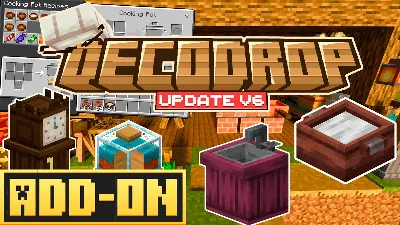
🪑 DecoDrop Addon – Decorations That Actually Look Good
Tired of every base feeling the same? DecoDrop is here to save your builds. This addon drops a ton of new decorative blocks—chairs, tables, lamp posts, benches, street lights, shelves, fences, and more. Whether you're building a cozy survival cabin, a modern city, or a medieval kingdom, this pack has all the small details to make your world pop.
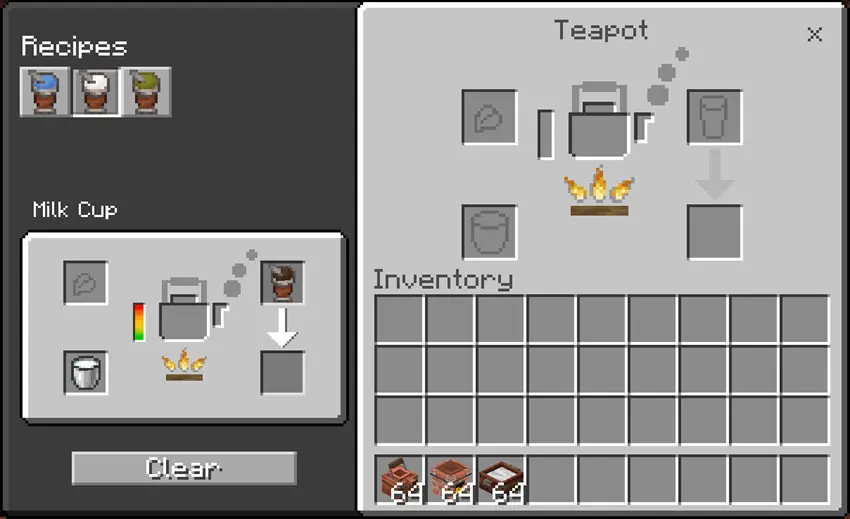
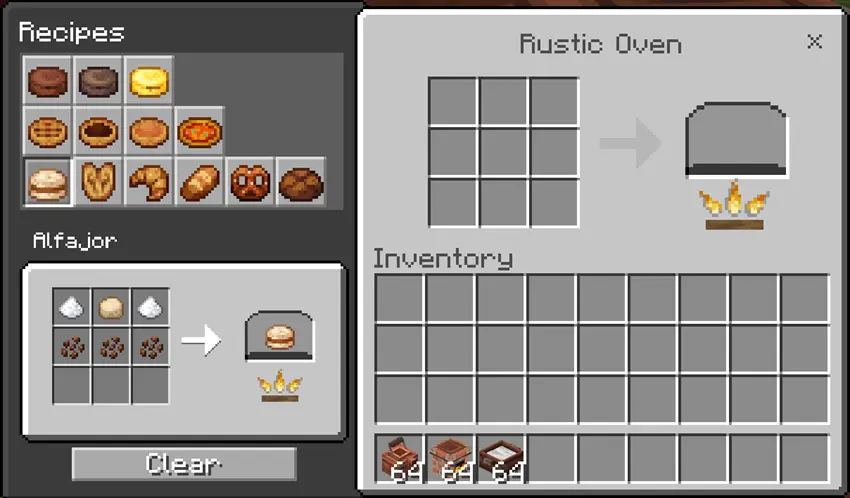
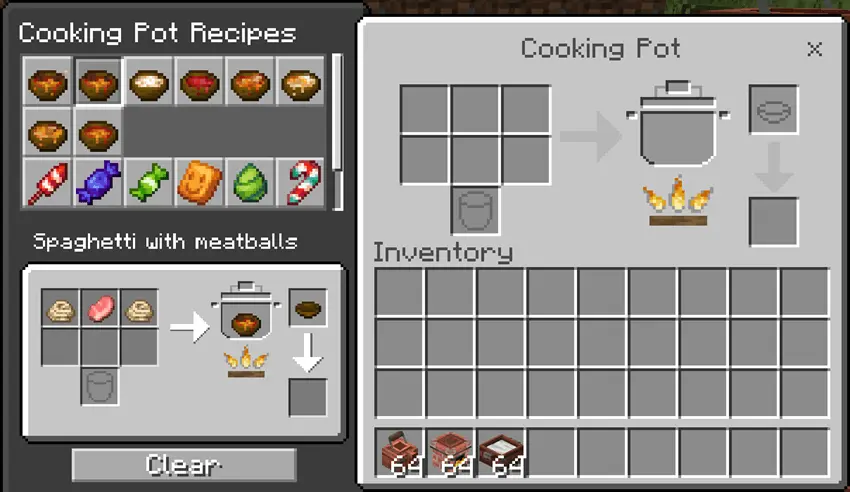
But it’s not just for looks. DecoDrop also throws in working kitchen stuff too: a Pot for soups and stews, a Teapot for warm drinks, and an Oven for baking all kinds of food. It all feels super smooth with Minecraft’s style—no weird textures or clunky models. Just clean, useful, and creative blocks that make building way more fun.
If you’re into survival decorating or creative-mode aesthetics, this one’s a must-have. Build cooler, cozier, and way more detailed.
Installation Mod:
- Download the .mcaddon / .mcpack;
- Open the file to import into the game;
- In World Settings → Resource Packs and Behavior Packs, enable it (turn on Experiments if needed);
- Have fun!
🪑 DecoDrop Addon – Decorations That Actually Look Good
Tired of every base feeling the same? DecoDrop is here to save your builds. This addon drops a ton of new decorative blocks—chairs, tables, lamp posts, benches, street lights, shelves, fences, and more. Whether you're building a cozy survival cabin, a modern city, or a medieval kingdom, this pack has all the small details to make your world pop.
But it’s not just for looks. DecoDrop also throws in working kitchen stuff too: a Pot for soups and stews, a Teapot for warm drinks, and an Oven for baking all kinds of food. It all feels super smooth with Minecraft’s style—no weird textures or clunky models. Just clean, useful, and creative blocks that make building way more fun.
If you’re into survival decorating or creative-mode aesthetics, this one’s a must-have. Build cooler, cozier, and way more detailed.
Installation Mod:
- Download the .mcaddon / .mcpack;
- Open the file to import into the game;
- In World Settings → Resource Packs and Behavior Packs, enable it (turn on Experiments if needed);
- Have fun!
💬 Comments (0)
Login to leave a comment.
No comments yet. Be the first!