

Custom Cameras Mod / Addon v1.0.0
Overview
/ Addons / Mods 1.21
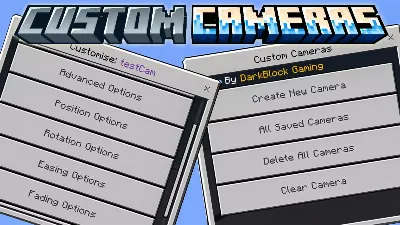
Custom Cameras Add-on is hands down one of the coolest tools you can drop into your Minecraft Bedrock world if you’re into builds, maps, machinima, or just want to flex some insane camera angles. This mod gives you full control over how and where you see the action — no command block spaghetti, no laggy third-party junk.
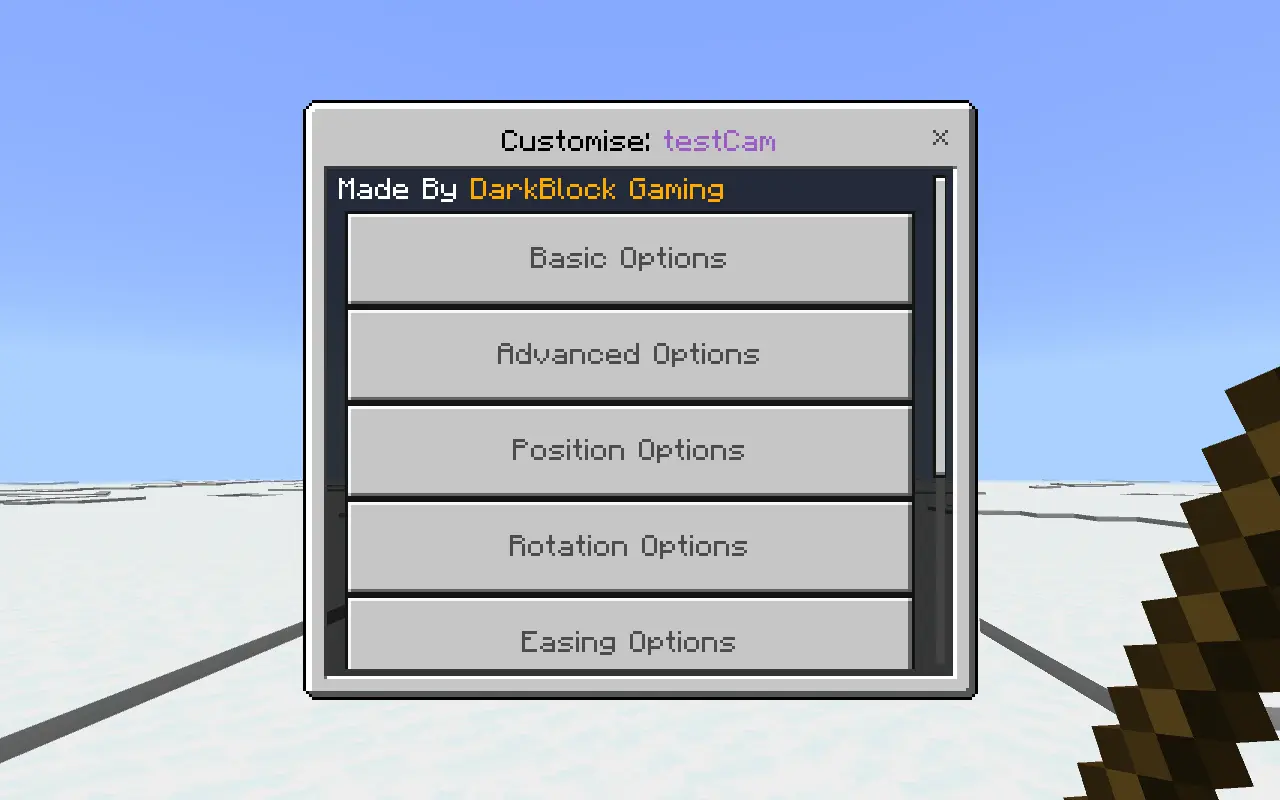
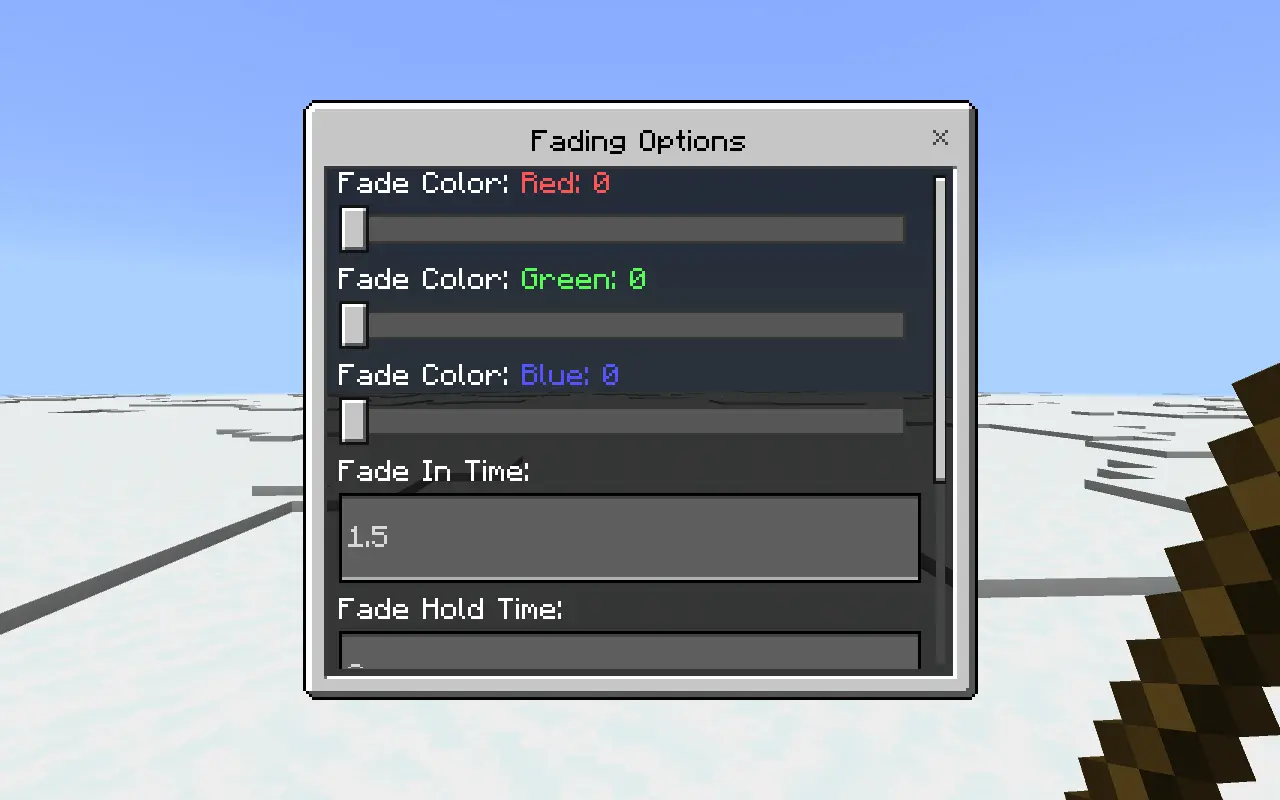
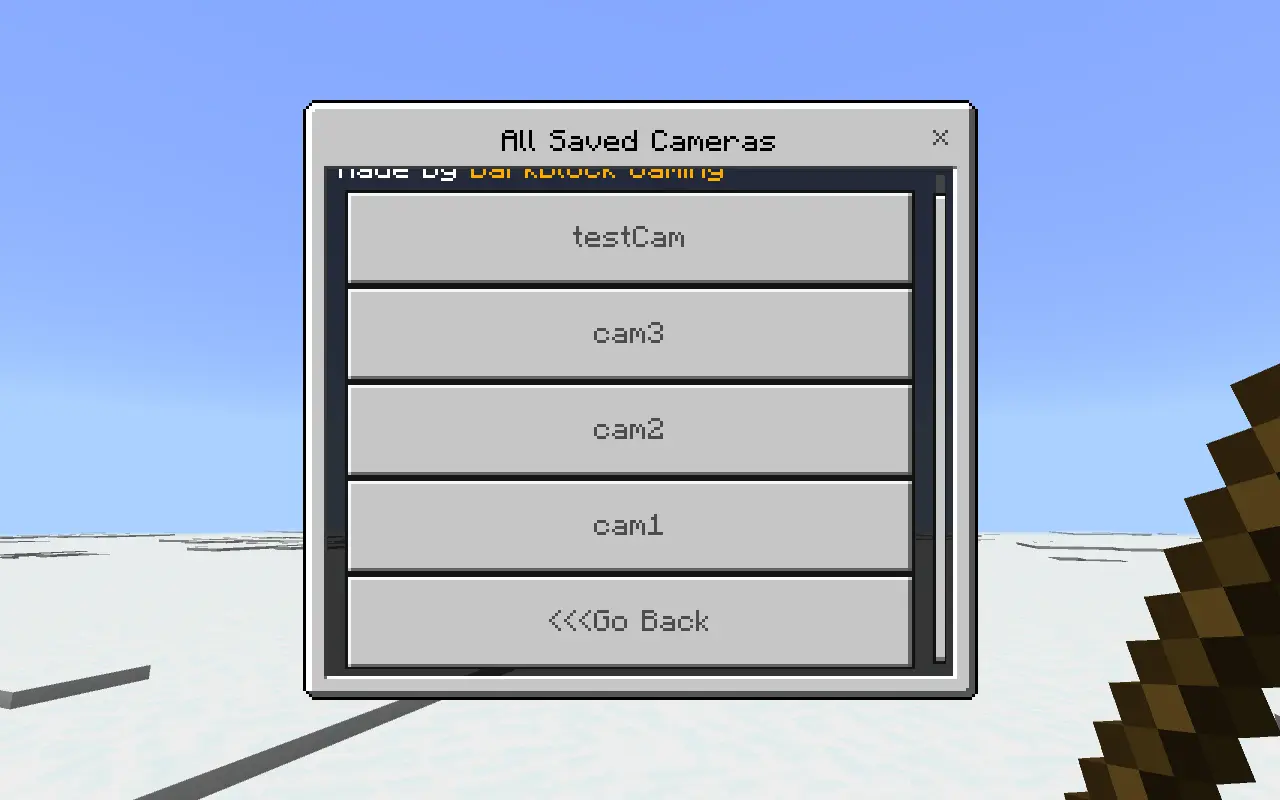
You can set up static cameras for perfect cinematic shots, dynamic tracking cams that follow players or mobs, or mix and match for full control over how your world is viewed. Rotation, angle, position — it’s all customizable. Every camera you place gets saved, so you don’t have to rebuild them every time you load in.
It’s perfect for content creators, roleplay servers, security setups, or just messing around with new views. Seriously — once you use this, going back to vanilla first-person feels boring. Smooth, powerful, and surprisingly easy to use. Try it once, and you’ll be hooked.
Installation Mod:
- Download the .mcaddon / .mcpack;
- Open the file to import into the game;
- In World Settings → Resource Packs and Behavior Packs, enable it (turn on Experiments if needed);
- Have fun!
Custom Cameras Add-on is hands down one of the coolest tools you can drop into your Minecraft Bedrock world if you’re into builds, maps, machinima, or just want to flex some insane camera angles. This mod gives you full control over how and where you see the action — no command block spaghetti, no laggy third-party junk.
You can set up static cameras for perfect cinematic shots, dynamic tracking cams that follow players or mobs, or mix and match for full control over how your world is viewed. Rotation, angle, position — it’s all customizable. Every camera you place gets saved, so you don’t have to rebuild them every time you load in.
It’s perfect for content creators, roleplay servers, security setups, or just messing around with new views. Seriously — once you use this, going back to vanilla first-person feels boring. Smooth, powerful, and surprisingly easy to use. Try it once, and you’ll be hooked.
Installation Mod:
- Download the .mcaddon / .mcpack;
- Open the file to import into the game;
- In World Settings → Resource Packs and Behavior Packs, enable it (turn on Experiments if needed);
- Have fun!
💬 Comments (0)
Login to leave a comment.
No comments yet. Be the first!