

cs 16 aztec map v1.0.0
Overview
/ Minigame Maps / PvP Maps
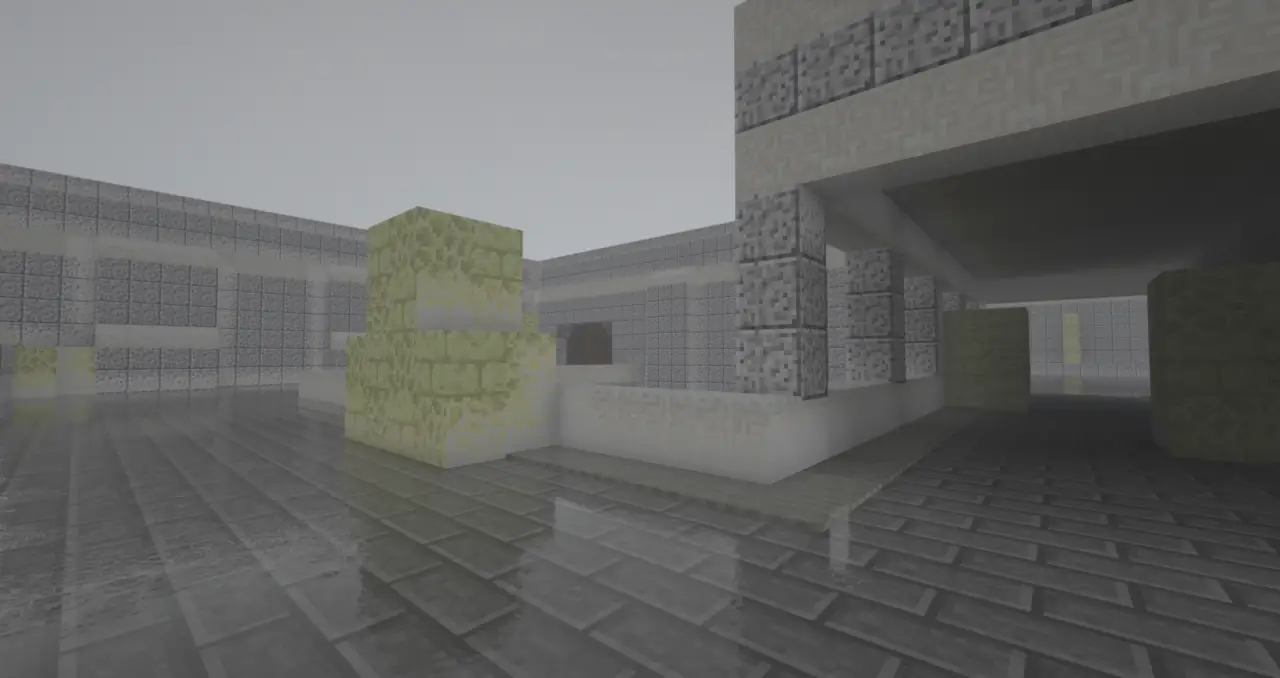
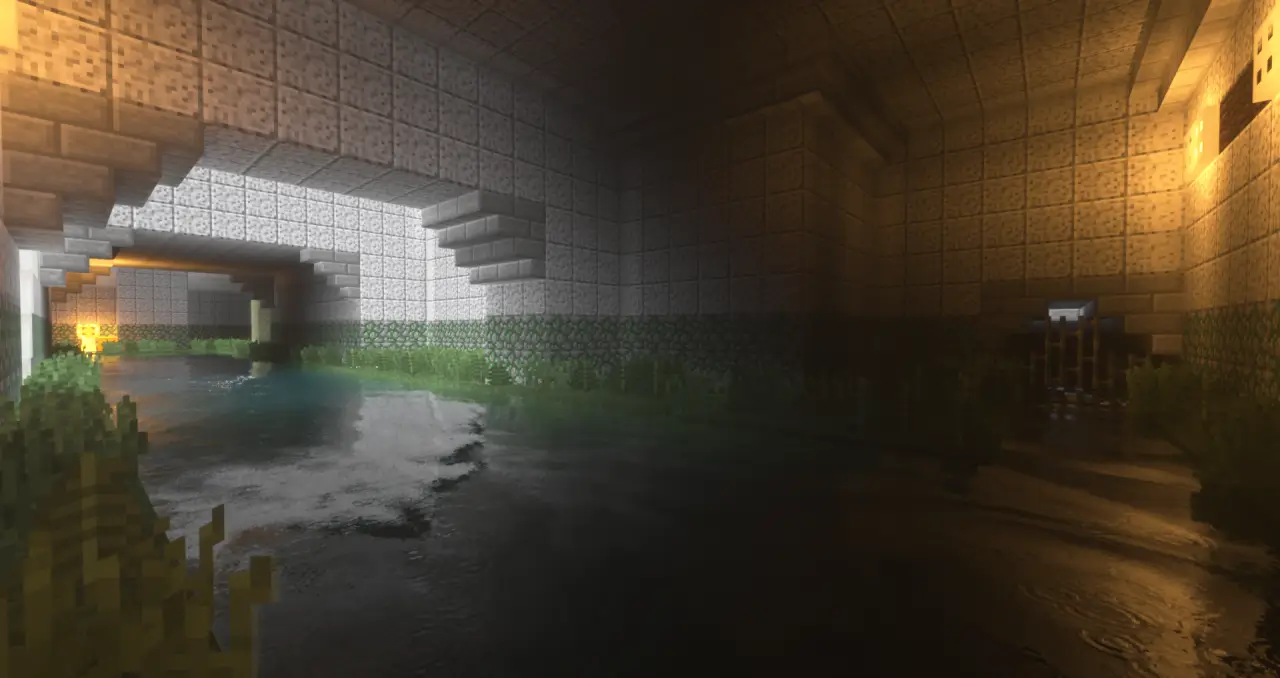
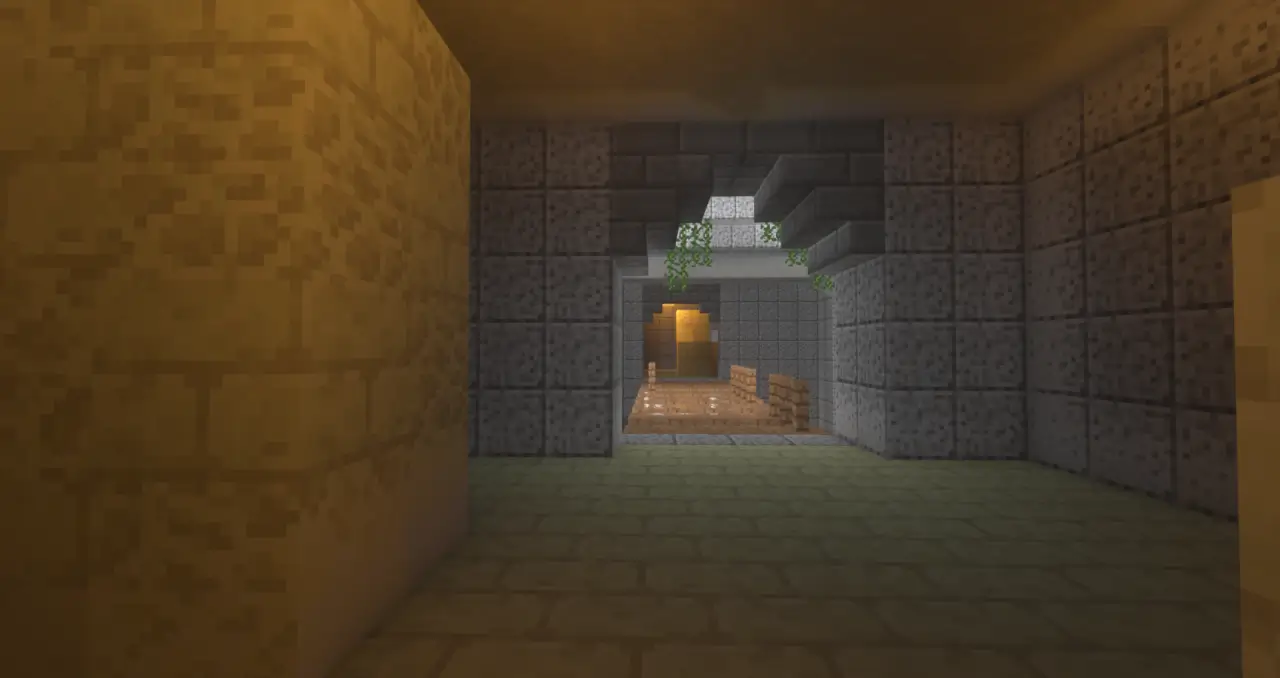
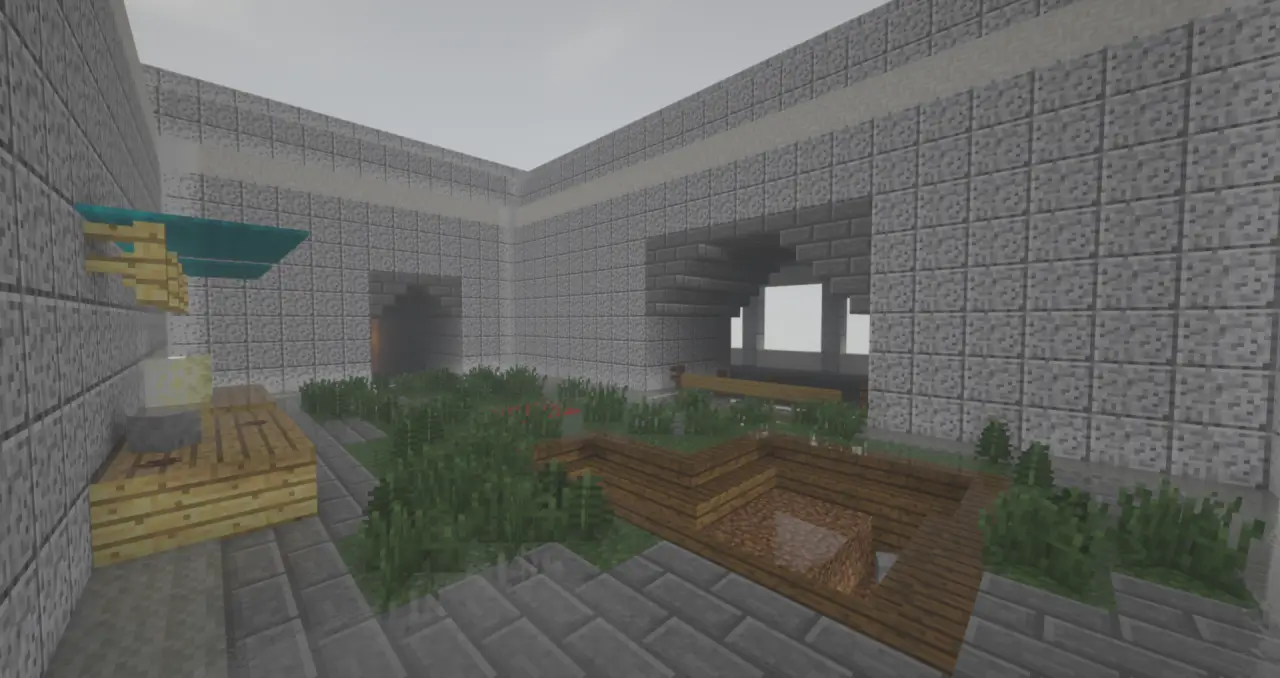
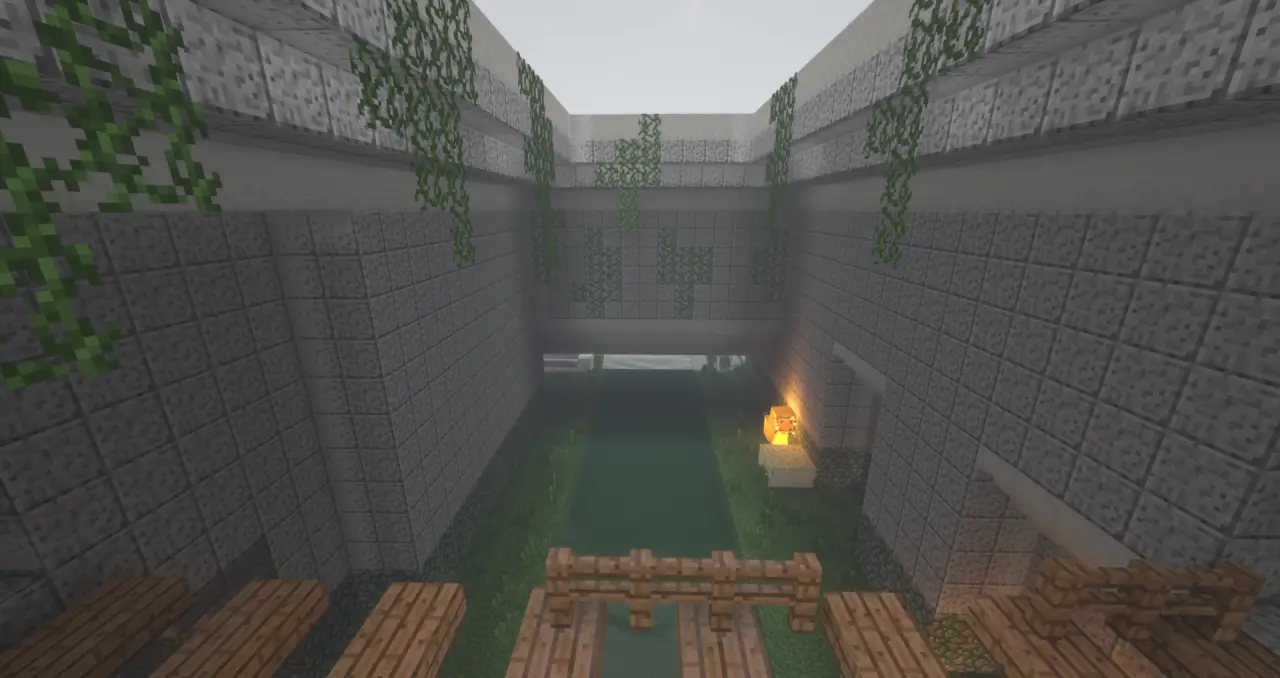
CS 1.6 Aztec map nails the flow you remember: two sites split by a noisy mid. The metal bridge is pure mind game—sprint to draw sound, then crouch to cancel steps before the corner. Water slows you and telegraphs rotations, so hop-jump the shallows or take the high ruin paths to keep timing. I ran it 3v3 and the pacing feels right: quick mid clashes, then a pivot through temple or the back tunnels when the first pick lands.
On the T side, fake pressure on the bridge, drop one lurk through lower water, and swing the connector when the CTs bite. Smoke-equivalents are scarce in Bedrock, so use walls: place blocks to break sight, then shoulder-peek with crosshair pre-aimed at head height along the arch stones. CTs should anchor one high and one low at A, with a rotator parked near spawn doors to pinch mid after contact. Third-person helps clear angles around the stacked crates; swap to first-person for pixel peeks across the bridge rail.
For events, set a round timer and kit chests at spawn, MR8 rules, and flip sides at four. Keep FOV around 70–80 so long-lane duels stay readable. CS 1.6 Aztec map is a clean Bedrock arena—load it, split teams, and let the jungle do the rest.
How to install?
Android: you need to find the downloaded file on your phone, use any file manager for this and import the map into the game by opening it.
iOS: after receiving the map, the device itself will offer to install it.
Windows 10: go to the folder where the files are downloaded, find .mcworld there and activate it.
CS 1.6 Aztec map nails the flow you remember: two sites split by a noisy mid. The metal bridge is pure mind game—sprint to draw sound, then crouch to cancel steps before the corner. Water slows you and telegraphs rotations, so hop-jump the shallows or take the high ruin paths to keep timing. I ran it 3v3 and the pacing feels right: quick mid clashes, then a pivot through temple or the back tunnels when the first pick lands.
On the T side, fake pressure on the bridge, drop one lurk through lower water, and swing the connector when the CTs bite. Smoke-equivalents are scarce in Bedrock, so use walls: place blocks to break sight, then shoulder-peek with crosshair pre-aimed at head height along the arch stones. CTs should anchor one high and one low at A, with a rotator parked near spawn doors to pinch mid after contact. Third-person helps clear angles around the stacked crates; swap to first-person for pixel peeks across the bridge rail.
For events, set a round timer and kit chests at spawn, MR8 rules, and flip sides at four. Keep FOV around 70–80 so long-lane duels stay readable. CS 1.6 Aztec map is a clean Bedrock arena—load it, split teams, and let the jungle do the rest.
How to install?
Android: you need to find the downloaded file on your phone, use any file manager for this and import the map into the game by opening it.
iOS: after receiving the map, the device itself will offer to install it.
Windows 10: go to the folder where the files are downloaded, find .mcworld there and activate it.
💬 Comments (0)
Login to leave a comment.
No comments yet. Be the first!