

Colorful Boys Skin Pack v1.0.0
Overview
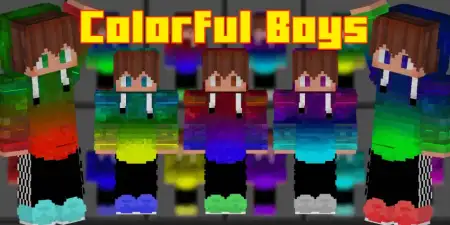
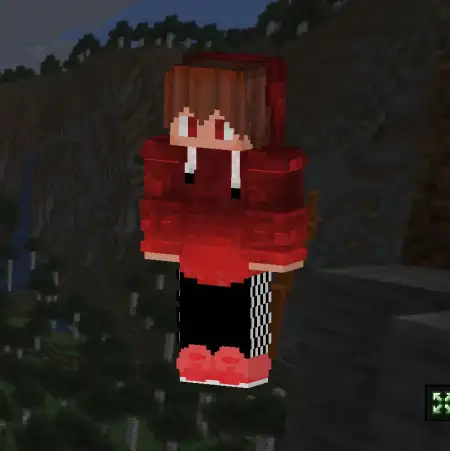
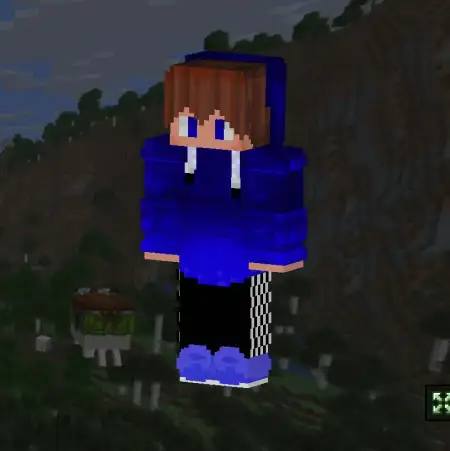
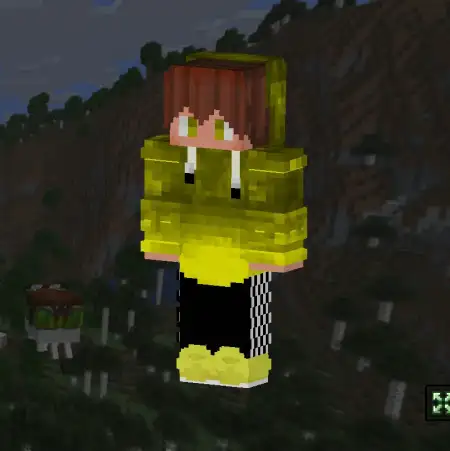
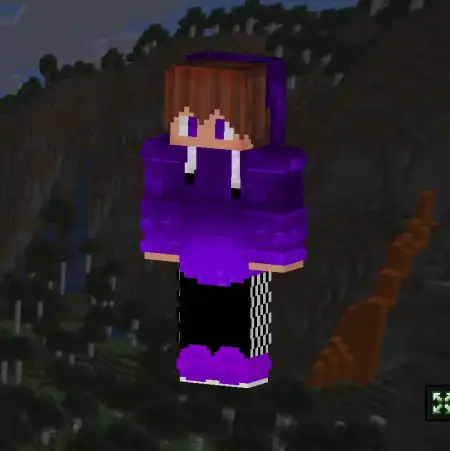
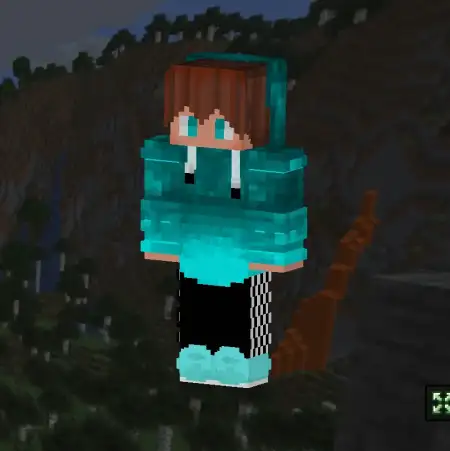
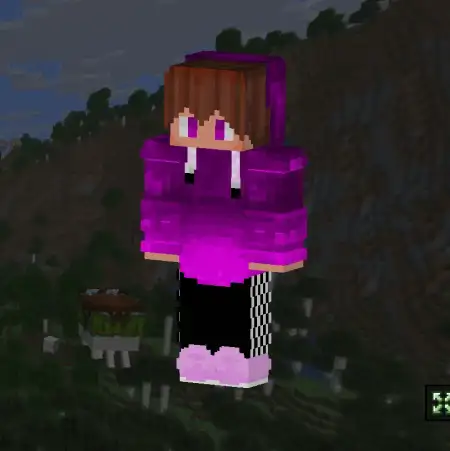
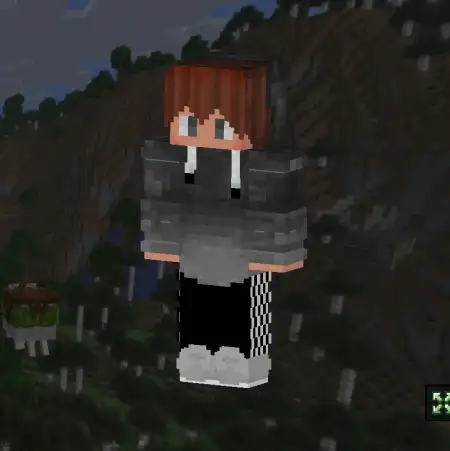
Colorful Boys Skin Pack mine-craft 20-09-2025, 14:43 776 Skins Colorful Boys Skin Pack â a bright, mix-and-match bundle of boy skins for Minecraft Bedrock that lets you pick a vibe and roll with it. Thatâs the hook: you get a stack of bold, readable looks that pop in-game without clashing with shaders or texture packs, so your character always stands out in a crowd.I ran these across a few worlds and they just work. In survival, the saturated palettes make callouts easyââgreen fit on farm, orange at mine, blue on nether runââso your squad can split jobs at a glance. On PvP maps, clean silhouettes and high-contrast accents help teammates ID you mid-fight without second-guessing. If youâre into roleplay or city servers, the styles swing from streetwear to cozy hoodies to crisp classics, so you can swap looks to match the scene without breaking the vanilla feel.Creators will love how thumbnail-friendly these are. The colors read even in smaller frames, which means your shorts, TikToks, or stream overlays look intentional instead of random skin mashups. Hosting events? Color-code teams by outfit and youâve got instant clarity for BedWars, SkyWars, UHC, or minigame nights. Rotationâs half the funâswitch skins between sessions, match your build palette, or pick a âteam uniformâ for clan nights.No gimmicks, no weird proportionsâjust a polished skin pack tuned for Minecraft Bedrock that makes your character look fresh anywhere you play. If you want bright, fun, and unmistakably you, Colorful Boys Skin Pack is an easy equip and a solid main.How to Install Skins in Minecraft Bedrock- Download a .png skin (64Ã64 or 128Ã128).- Open Minecraft Bedrock.- Go to Profile (hanger icon) â Edit Character.- Tap Owned â Import â Choose New Skin.- Select your .png file.- Pick a model: Classic (Steve) or Slim (Alex).- Confirm to equip and play.colorfulboys.mcpack [120.37 Kb] (downloads: 26)
💬 Comments (0)
Login to leave a comment.
No comments yet. Be the first!