

Azure Visuals - Shader v1.0.0


Overview
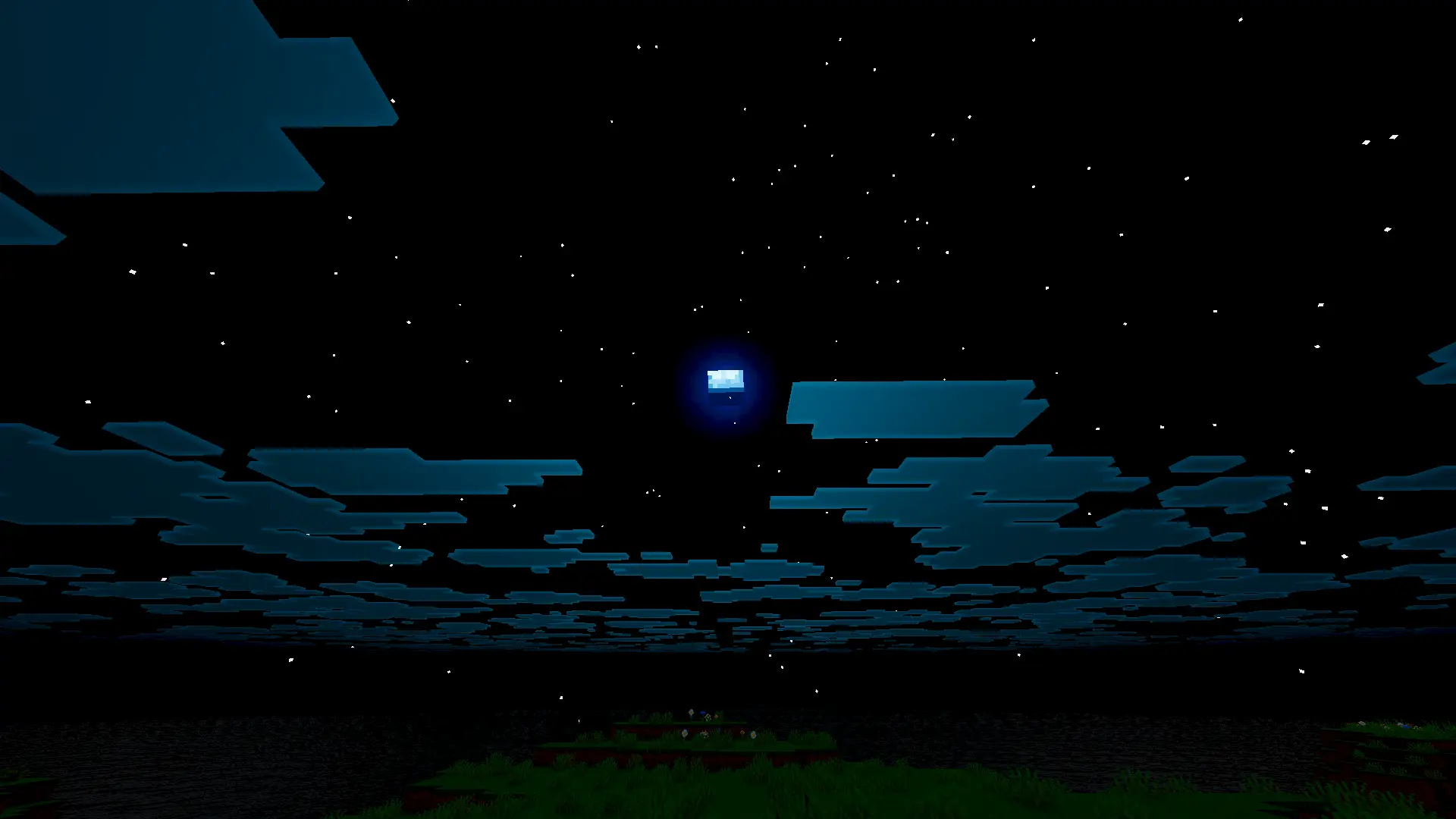
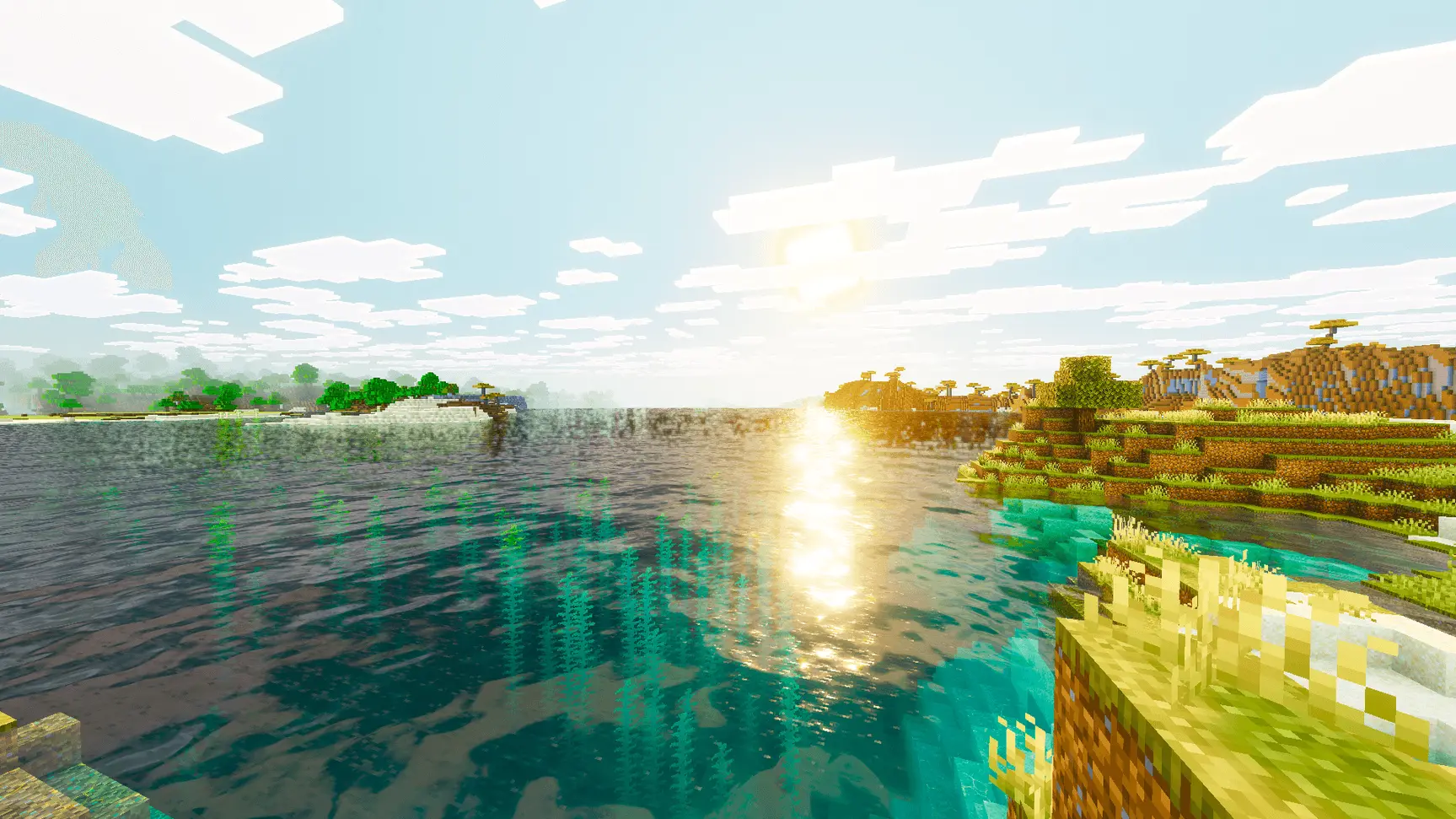
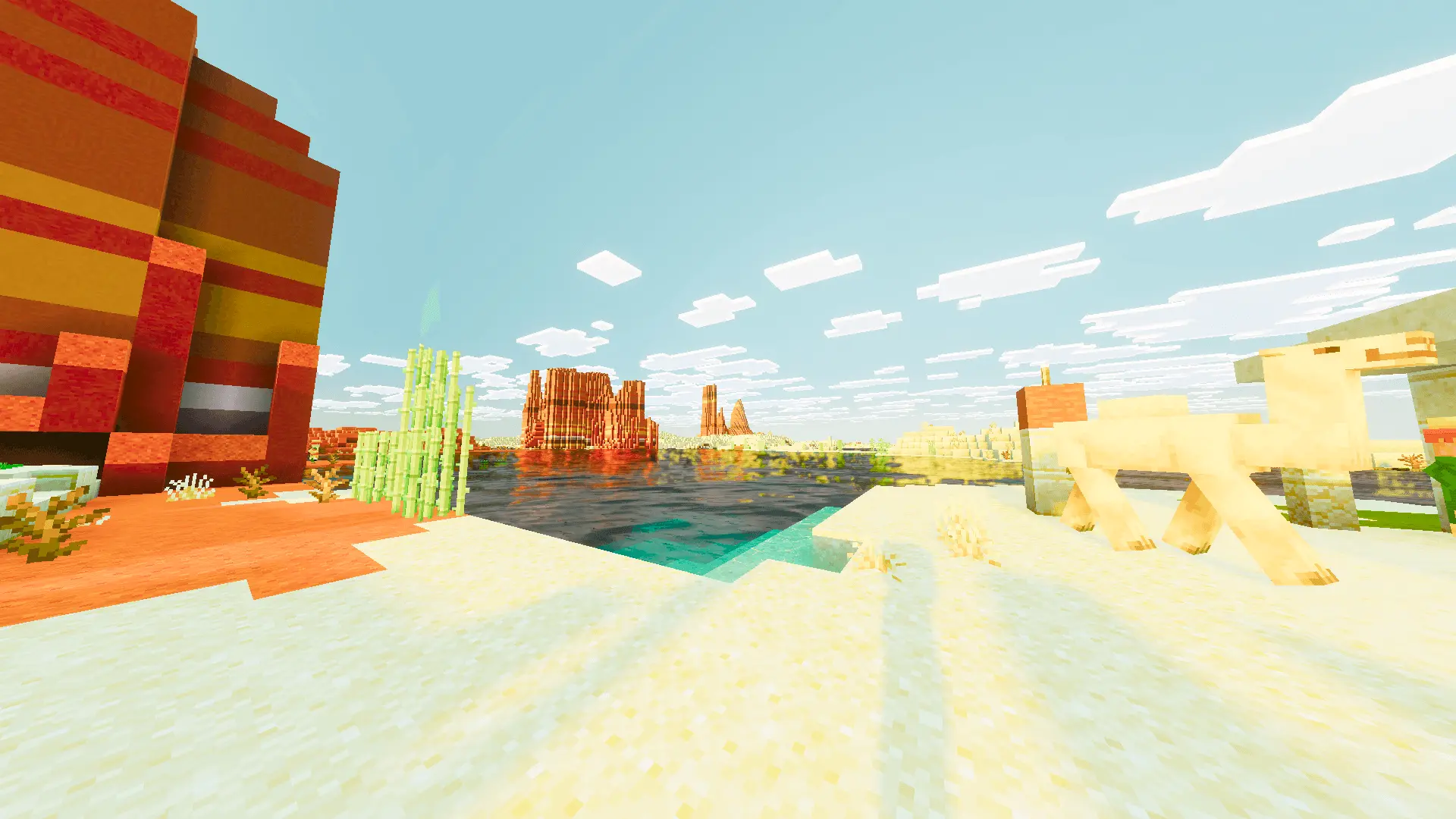
Give your dull Minecraft world a massive energy drink with the Azure Visuals Shader. It completely cranks up the color saturation and sharpness to make every single biome look insanely vibrant and alive.
I play a lot of survival, and honestly, the default graphics can feel super muddy sometimes. You spend hours building a massive base, but the lighting just makes it look incredibly flat and boring. Sliding this custom MCPE shader into your load order changes the entire vibe of the game. Instead of the standard dull landscapes, your surroundings get soaked in incredibly deep, rich colors. The lighting shifts to feel genuinely magical. Whether you are exploring a dense dark oak forest or putting the finishing touches on a giant medieval castle, the fantasy aesthetic is dialed all the way up to ten.
The coolest thing about this pack is how punchy everything looks no matter how far your render distance is set. Sometimes heavy MCPE mods or lighting tweaks just blur out the background to save frames, but Azure Visuals keeps the terrain super sharp. Every tree texture and mountain peak just naturally pops right out at you. If you are totally over the washed-out vanilla look and want a Minecraft PE graphics upgrade that actually injects some crazy energy into your realm, you have to run this. Just drop it into your active resource packs, step outside your front door, and watch the whole overworld completely transform.
Installation:
- Download Shader;
- Open the downloaded .mcpack to install;
- Select texture in settings;
- Done.
I play a lot of survival, and honestly, the default graphics can feel super muddy sometimes. You spend hours building a massive base, but the lighting just makes it look incredibly flat and boring. Sliding this custom MCPE shader into your load order changes the entire vibe of the game. Instead of the standard dull landscapes, your surroundings get soaked in incredibly deep, rich colors. The lighting shifts to feel genuinely magical. Whether you are exploring a dense dark oak forest or putting the finishing touches on a giant medieval castle, the fantasy aesthetic is dialed all the way up to ten.
The coolest thing about this pack is how punchy everything looks no matter how far your render distance is set. Sometimes heavy MCPE mods or lighting tweaks just blur out the background to save frames, but Azure Visuals keeps the terrain super sharp. Every tree texture and mountain peak just naturally pops right out at you. If you are totally over the washed-out vanilla look and want a Minecraft PE graphics upgrade that actually injects some crazy energy into your realm, you have to run this. Just drop it into your active resource packs, step outside your front door, and watch the whole overworld completely transform.
Installation:
- Download Shader;
- Open the downloaded .mcpack to install;
- Select texture in settings;
- Done.
💬 Comments (0)
Login to leave a comment.
No comments yet. Be the first!