

Utility UI – Texture Pack v1.0.0

Overview
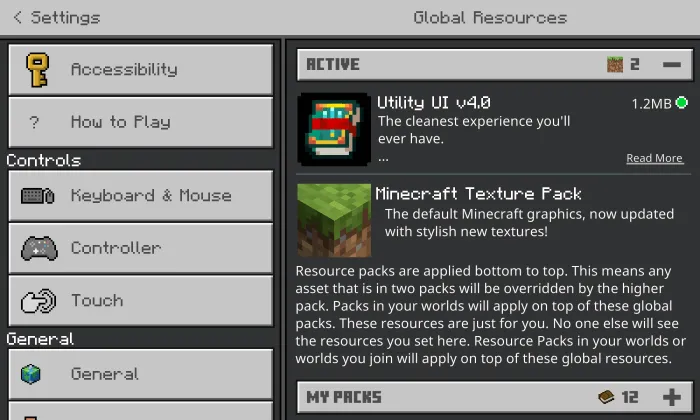
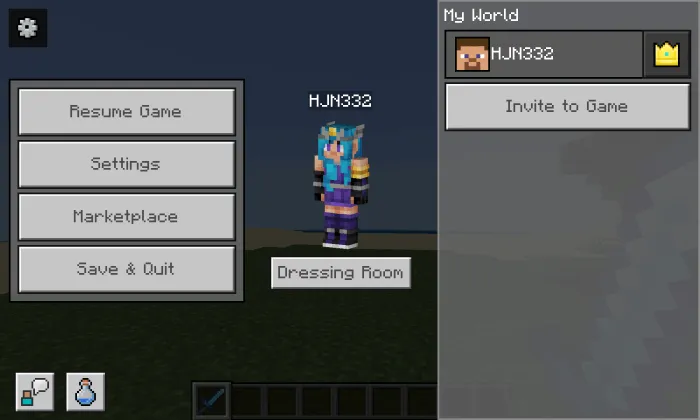
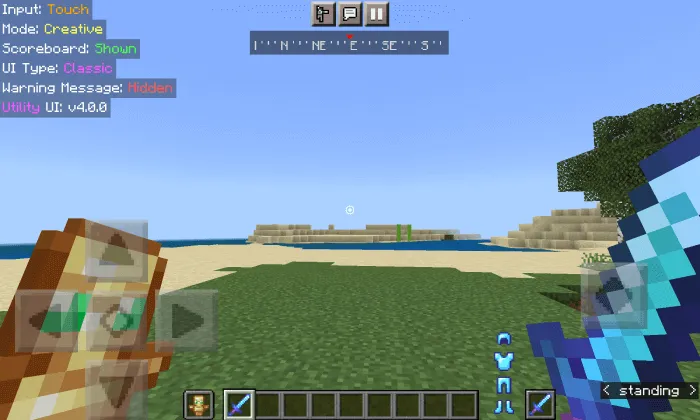
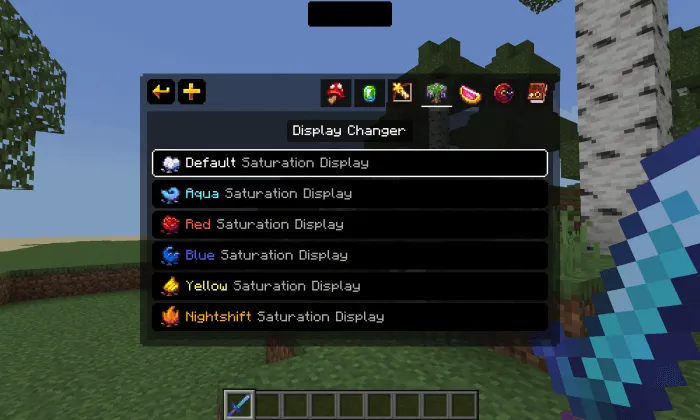
Utility UI - The texture will change and optimize the user interface and add new HUD features, new modules and panels. Use the improved Utility UI in Minecraft.
Installation:
- Download Texture;
- Open the downloaded .mcpack to install;
- Select texture in settings;
- Done.
Installation:
- Download Texture;
- Open the downloaded .mcpack to install;
- Select texture in settings;
- Done.
💬 Comments (0)
Login to leave a comment.
No comments yet. Be the first!