
Real FPS Counter | In-game FPS Counter on HUD Addon v1.0
⬇ Download (102.4 KB)Screenshots
Description
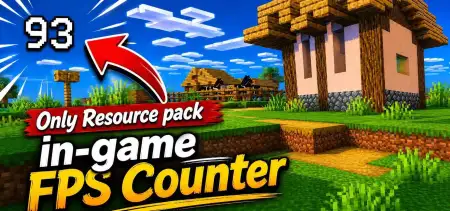
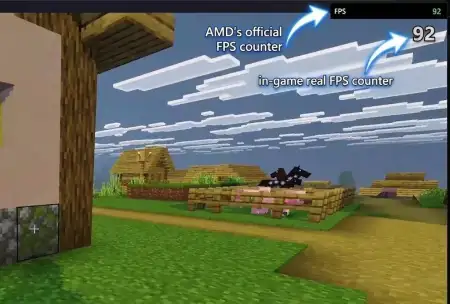
Real FPS Counter | In-game FPS Counter on HUD - Minecraft mod will show your real FPS in Minecraft in the corner of the screen.
Installation Mod:
- Download the .mcaddon / .mcpack;
- Open the file to import into the game;
- In World Settings → Resource Packs and Behavior Packs, enable it (turn on Experiments if needed);
- Have fun!
Installation Mod:
- Download the .mcaddon / .mcpack;
- Open the file to import into the game;
- In World Settings → Resource Packs and Behavior Packs, enable it (turn on Experiments if needed);
- Have fun!
Comments (0)
Log in to post a comment.

No comments yet. Be the first!